qBittorrent
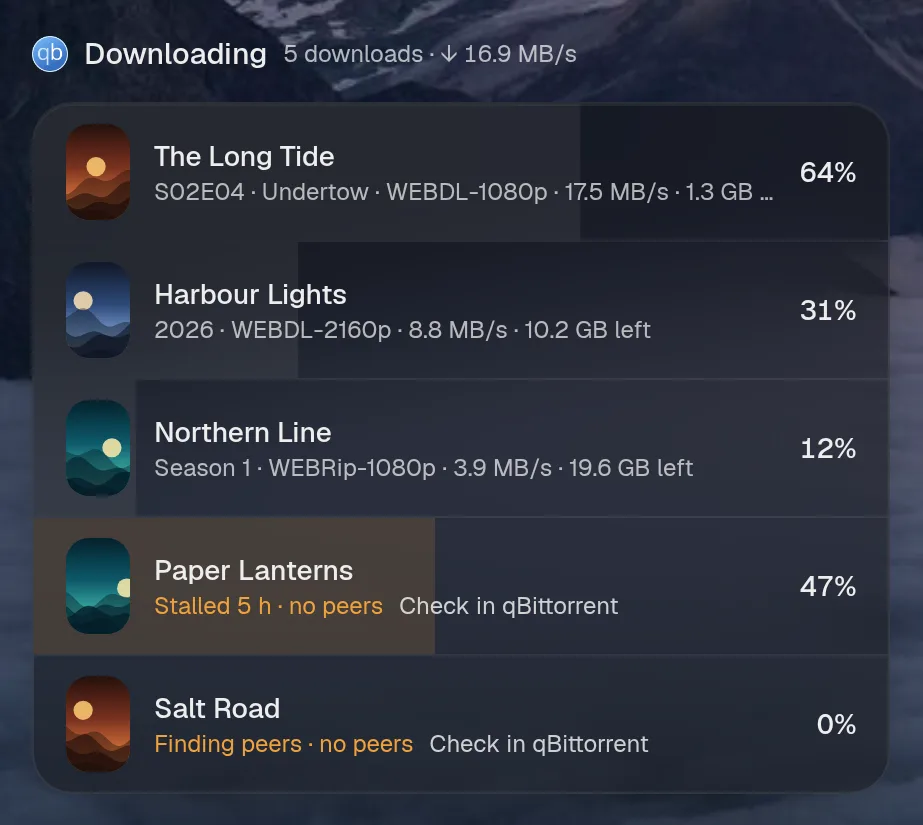
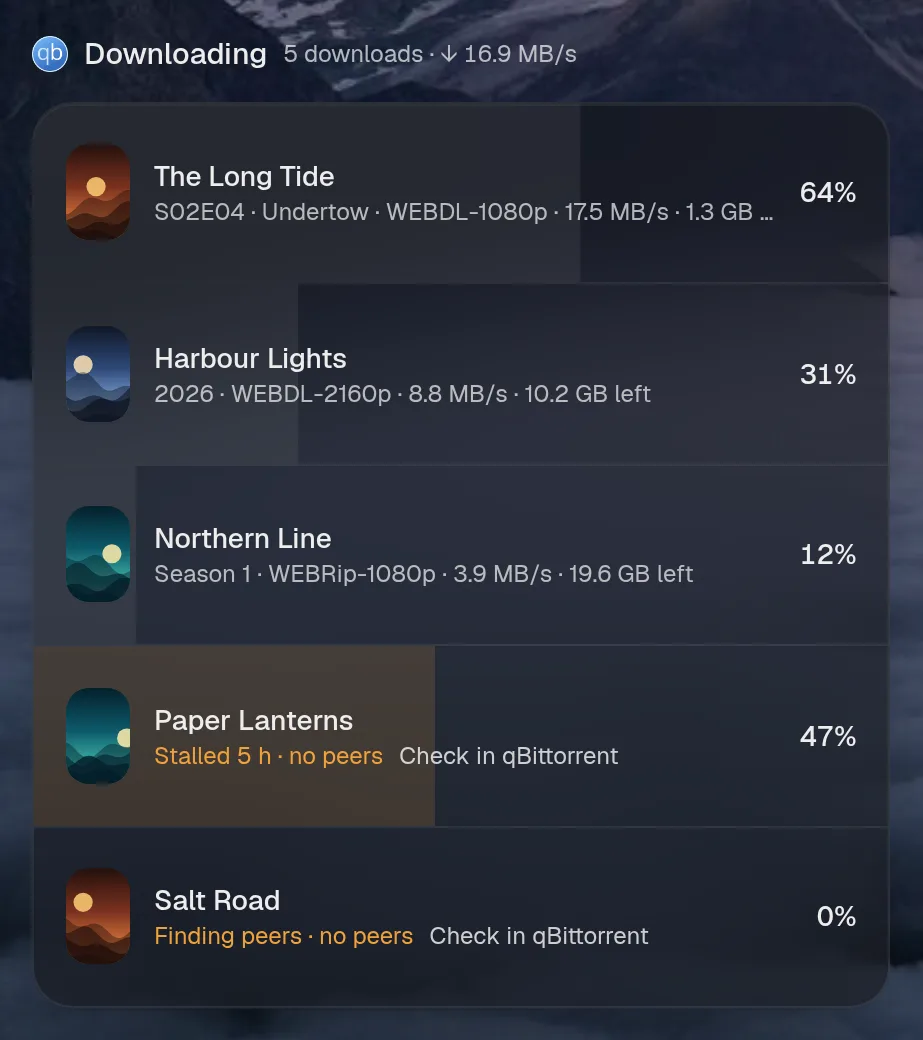
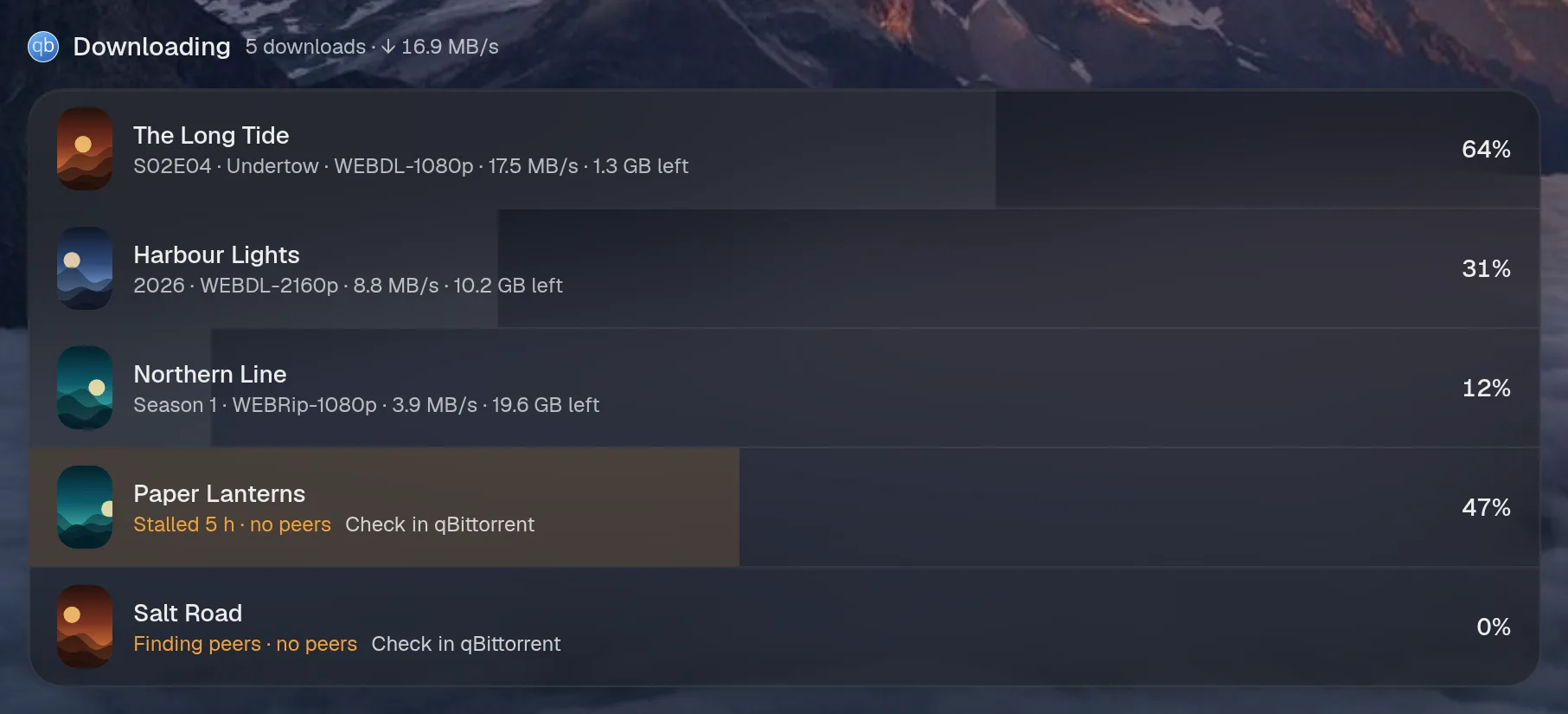
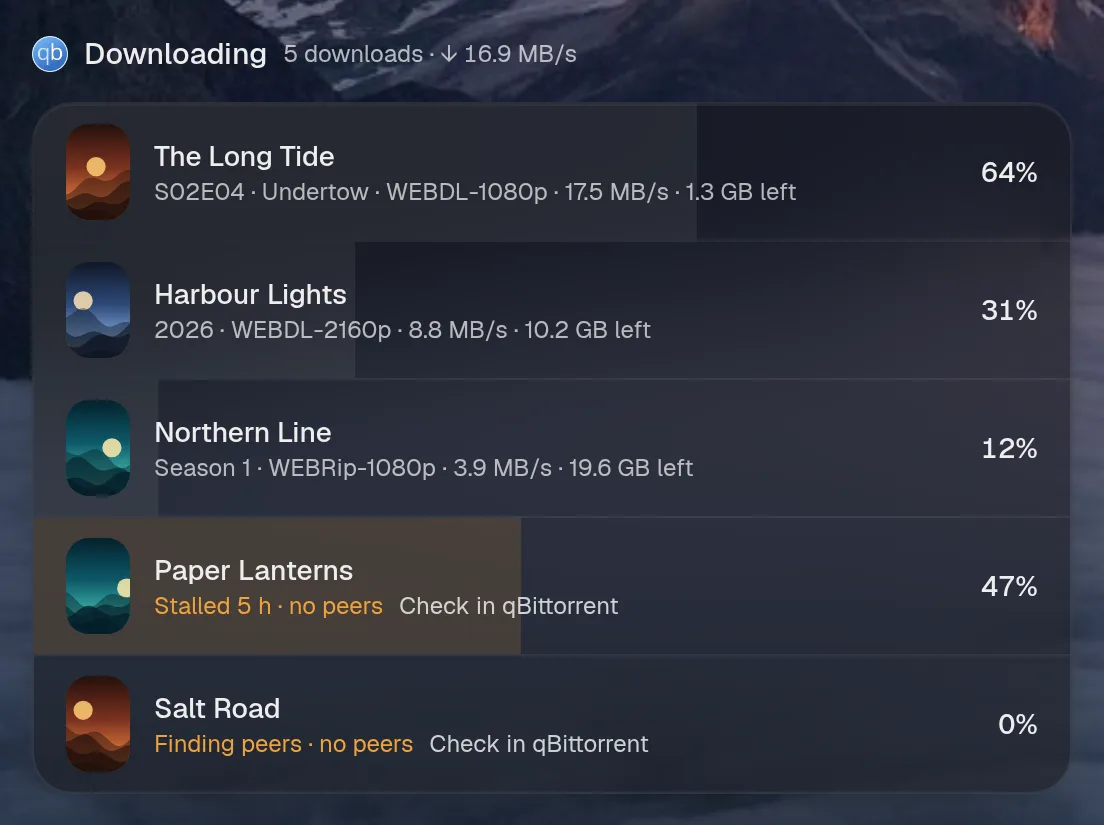
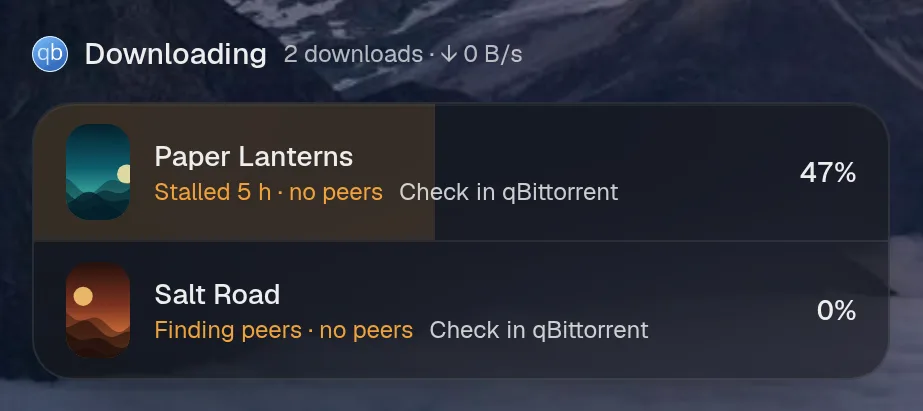
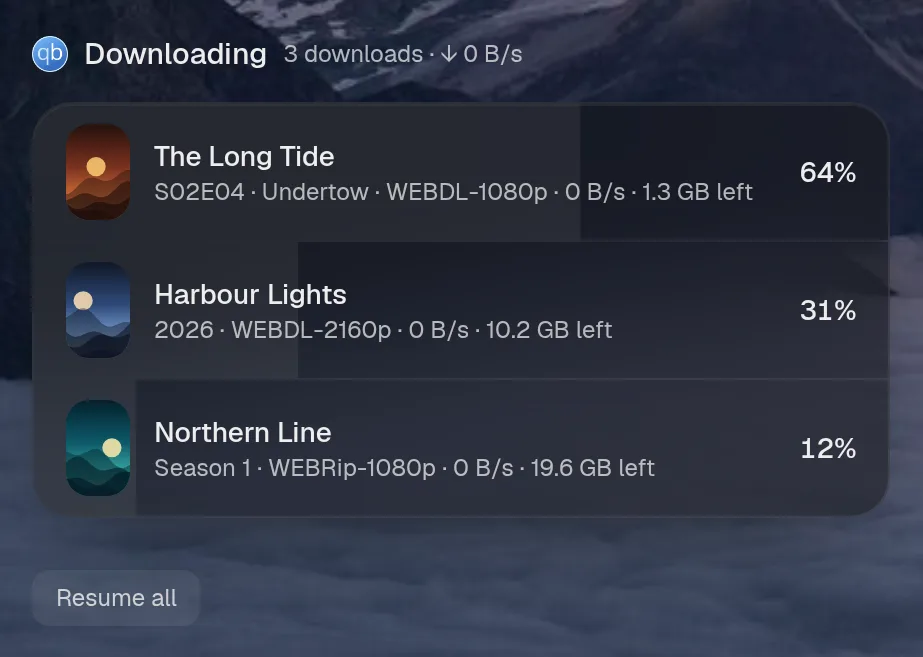
qBittorrent downloads torrents. This shows what’s downloading with artwork, progress and time left, says why something has stalled, and lets the assistant pause, resume or remove, after asking.
Set it up
Section titled “Set it up”integrations: qbittorrent: type: qbittorrent url: http://qbittorrent:8080 username: ${QBITTORRENT_USER} password: ${QBITTORRENT_PASSWORD} arr: - type: radarr url: http://radarr:7878 apiKey: ${RADARR_KEY} - type: sonarr url: http://sonarr:8989 apiKey: ${SONARR_KEY}
layout: - title: Downloads widgets: - qbittorrent.active| Option | Type | Default | What it does |
|---|---|---|---|
url | URL | required | Where the service answers, from Valet’s side. |
username | string | required | The account to sign in with. |
password | string | required | That account’s password. Use ${VAR}. |
href | string | optional | Where the card links to, when that differs from url. |
arr | list of object | [] | Radarr and Sonarr, so downloads get their artwork and a next step when they stall. |
arr[].type | radarr, sonarr | required | Which one it is. |
arr[].url | URL | required | Where the service answers, from Valet’s side. |
arr[].apiKey | string | required | Its API key. Use ${VAR}. |
Widgets
Section titled “Widgets”One widget. Its key is qbittorrent.active, using the instance name from your config.
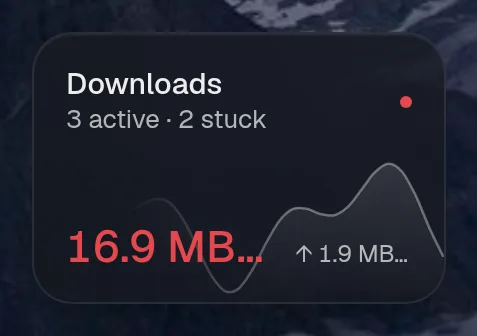
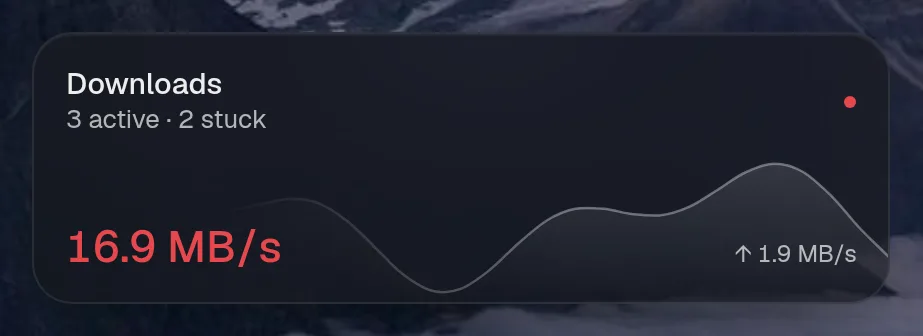
Downloads
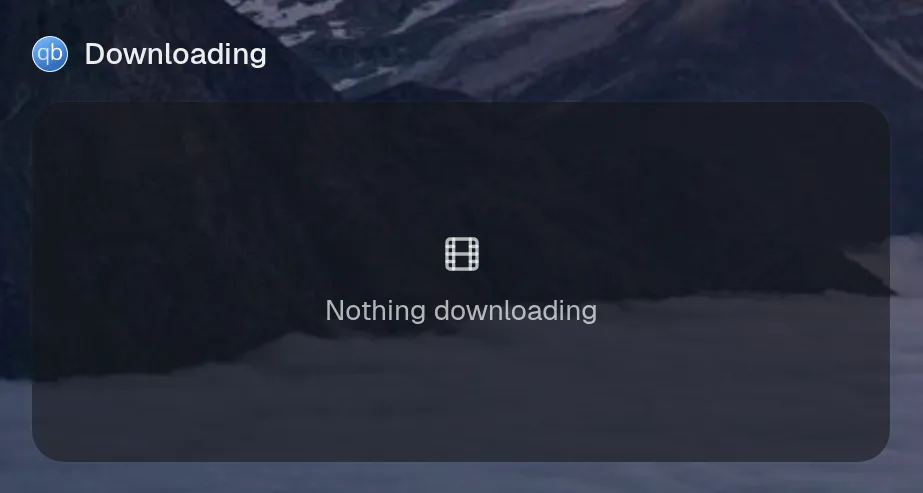
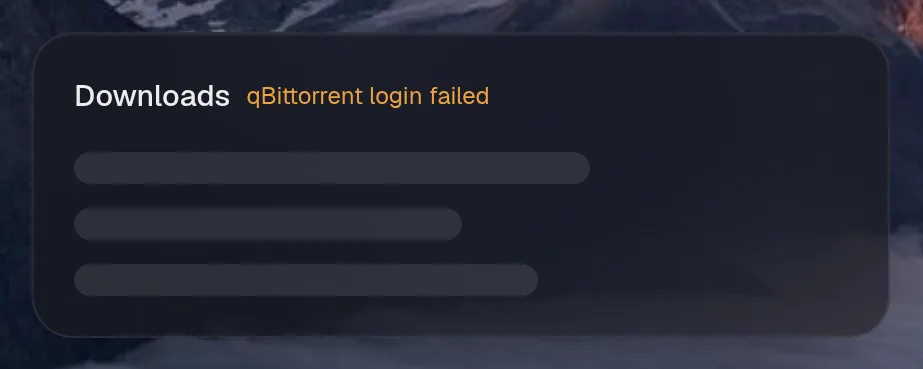
Section titled “Downloads”qbittorrent.active · media card · refreshes every 5 seconds while the page is open.
States
Section titled “States”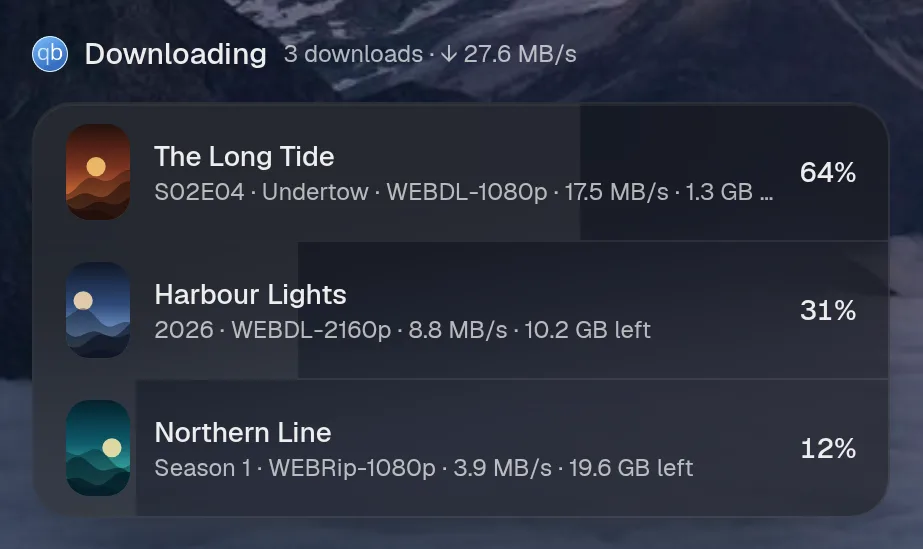
Assistant tools
Section titled “Assistant tools”What the assistant can use, once its access level allows it. Read tools run freely. Everything else asks first.
| Tool | Access | What it does |
|---|---|---|
torrent_control | control | Pause, resume or remove ONE torrent (by part of its name, from downloads_status). |
downloads_status | read | Every unfinished torrent with progress, speed, size left and ETA, plus total transfer speed. |
pause_downloads | control | Pause downloading. |
resume_downloads | control | Resume downloading. |
Actions
Section titled “Actions”What the page’s own buttons and controls can do. They need a signed-in person or a trusted network.
| Action | What it does |
|---|---|
pause | Pause all or one torrent |
resume | Resume all or one torrent |
Year in review
Section titled “Year in review”Slides this integration adds to the recap.