CrowdSec
CrowdSec blocks attackers using shared signals. This shows alerts over 24 hours and active bans.
Set it up
Section titled “Set it up”Sign-in: Signs in with the credentials below and keeps the session.
integrations:  crowdsec:    type: crowdsec    url: http://crowdsec:8080    username: ${CROWDSEC_USER}    password: ${CROWDSEC_PASSWORD}
layout: - title: Network widgets: - crowdsec.status| Option | Type | Default | What it does |
|---|---|---|---|
url | URL | required | Where the service answers, from Valet’s side. |
href | string | optional | Where the card links to, when that differs from url. |
every | string or number | optional | How often to refresh while someone is looking: seconds, or 30s, 5m, 1h. |
insecure | boolean | optional | Accept a self-signed certificate for this service only. |
username | string | required | The account to sign in with. |
password | string | required | That account’s password. Use ${VAR}. |
Widgets
Section titled “Widgets”One widget. Its key is crowdsec.status, using the instance name from your config.
CrowdSec
Section titled “CrowdSec”crowdsec.status · stats card · refreshes every minute while the page is open.
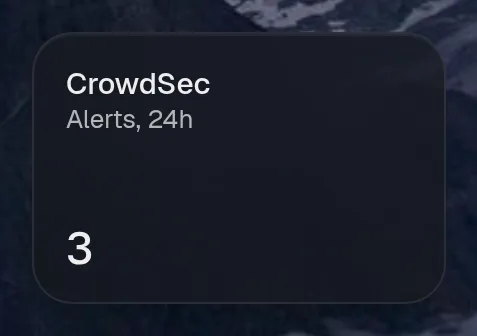
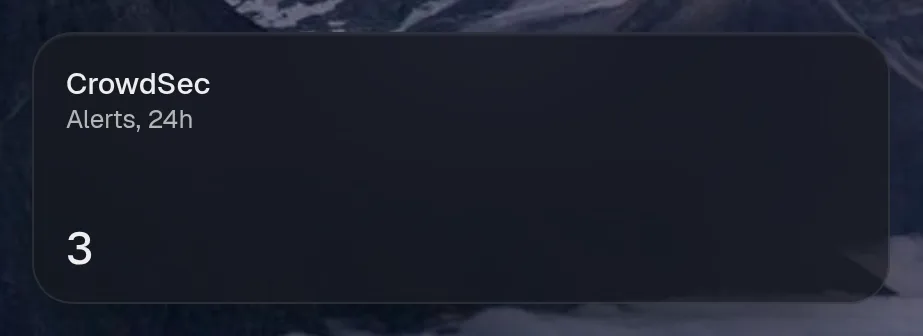
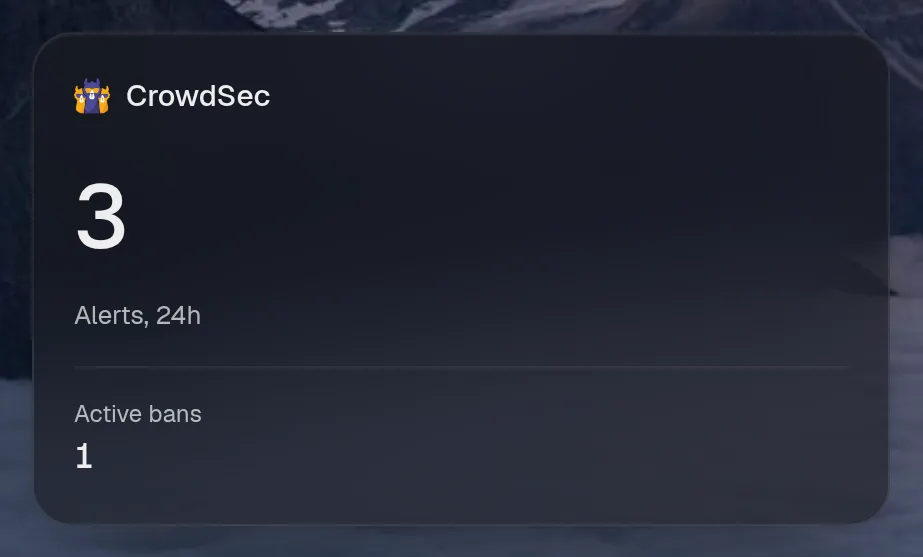
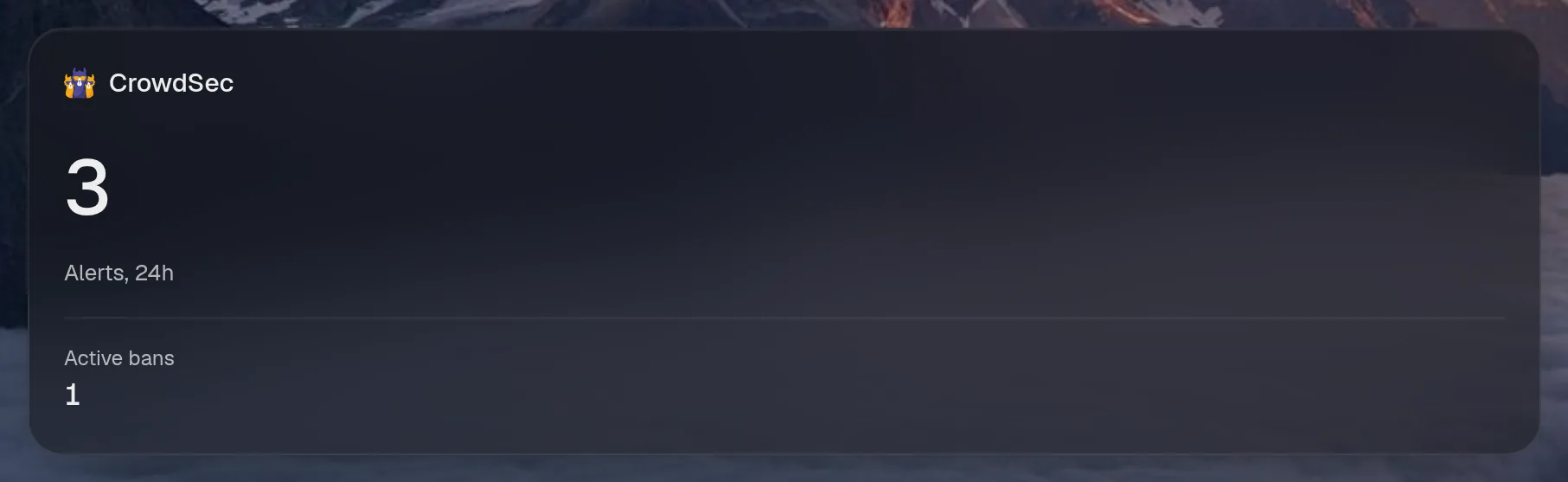
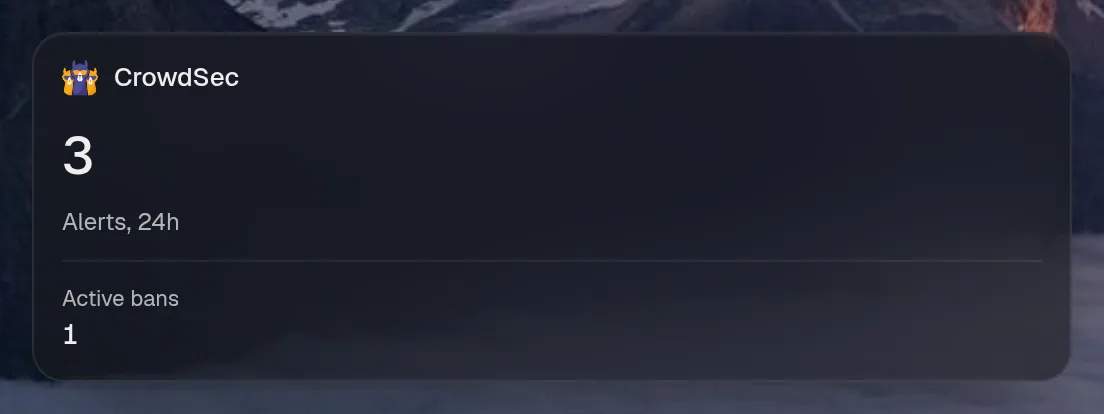
Tall draws the same as medium, so it isn't shown. Only the empty space changes.
States
Section titled “States”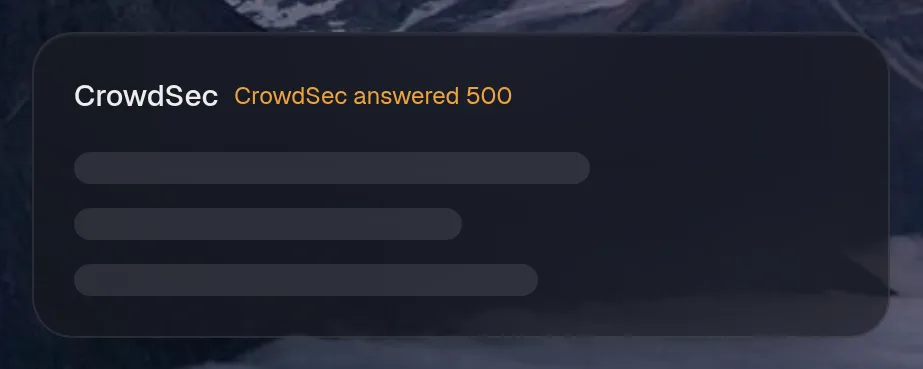
Assistant tools
Section titled “Assistant tools”What the assistant can use, once its access level allows it. Read tools run freely. Everything else asks first.
| Tool | Access | What it does |
|---|---|---|
crowdsec_status | read | What CrowdSec reports right now: Alerts, 24h, Active bans. |
Year in review
Section titled “Year in review”Slides this integration adds to the recap.