
Year in review
The recap is the story of your homelab’s year, at #recap and from a link under the suggested questions on the overview.
No model writes it
Section titled “No model writes it”The recap uses no AI, even with an assistant configured. Each integration says what it can honestly report, and the slides state those numbers. A slide that can’t back up a number leaves it out.
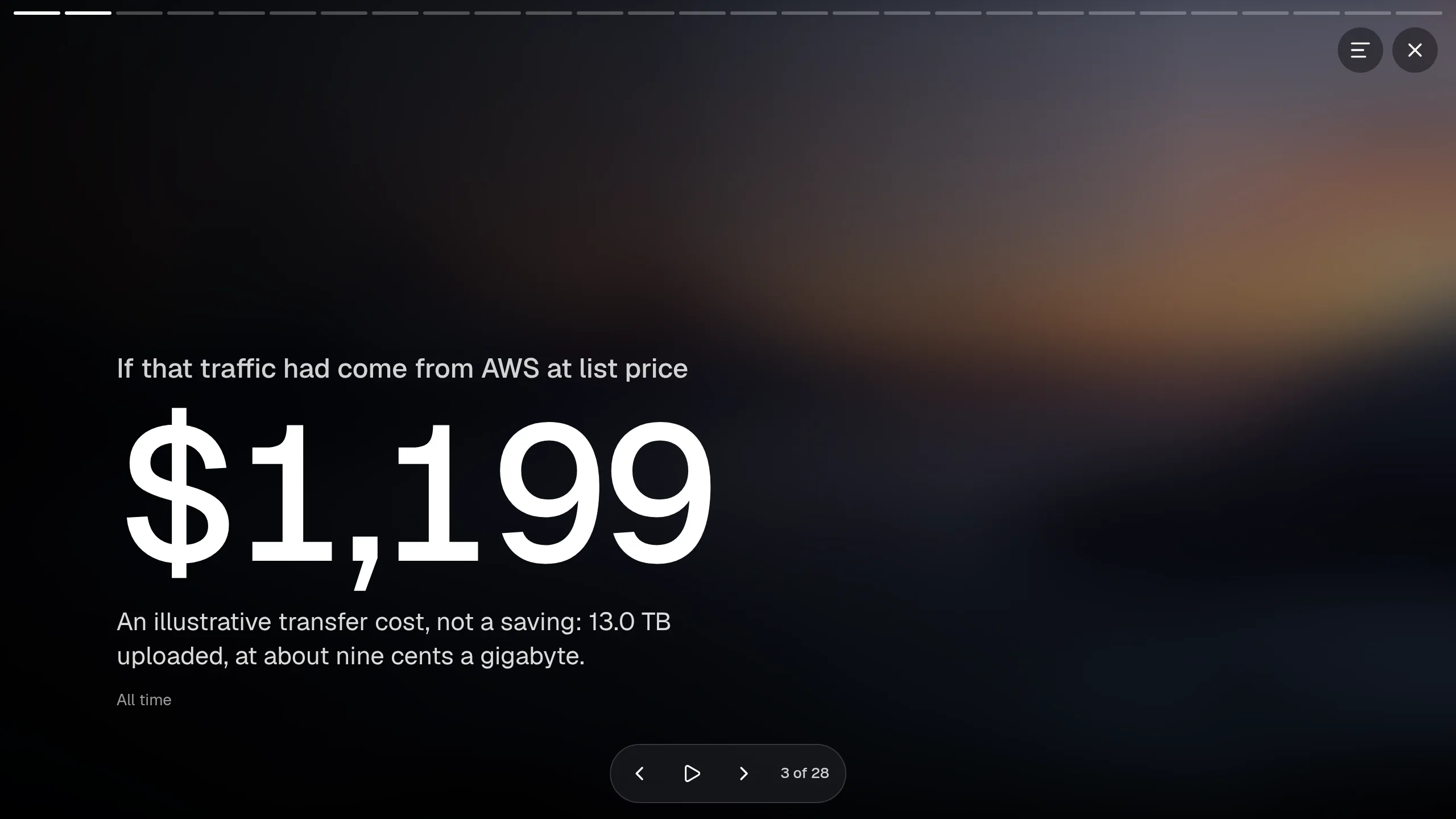
It works from what the services remember, so it’s a full year even in Valet’s first week. Each slide says what it covers: this year, all time, or right now. A service that doesn’t answer in 25 seconds is left out.
How it’s put together
Section titled “How it’s put together”- Each service offers up to three slides per theme, and each theme keeps up to four.
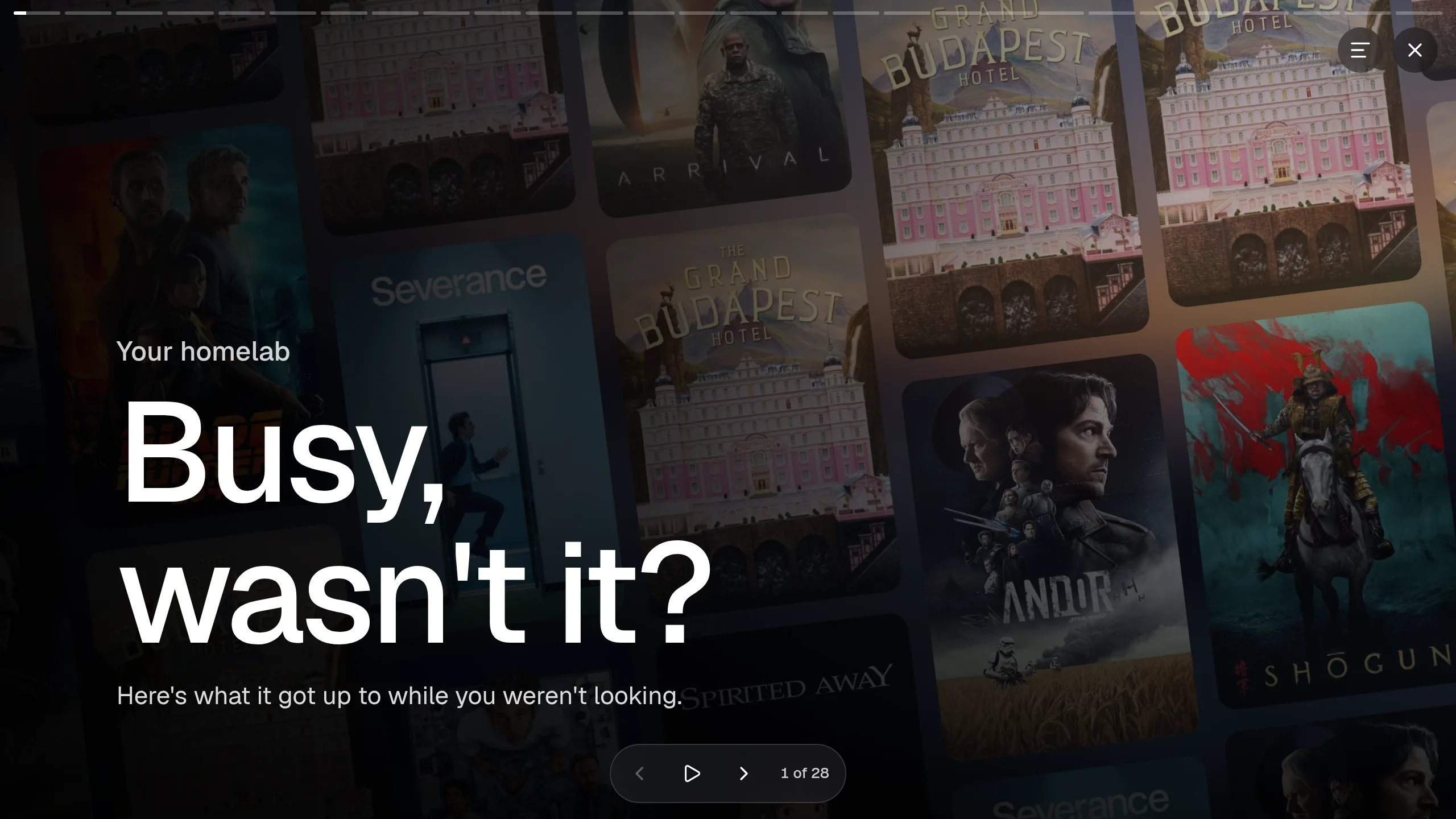
- It opens on the year when most slides are about this year. Otherwise it opens “Your homelab” and “Busy, wasn’t it?”.
- The strongest slides play first, with no one service running the show. All the rest follow, without a break.
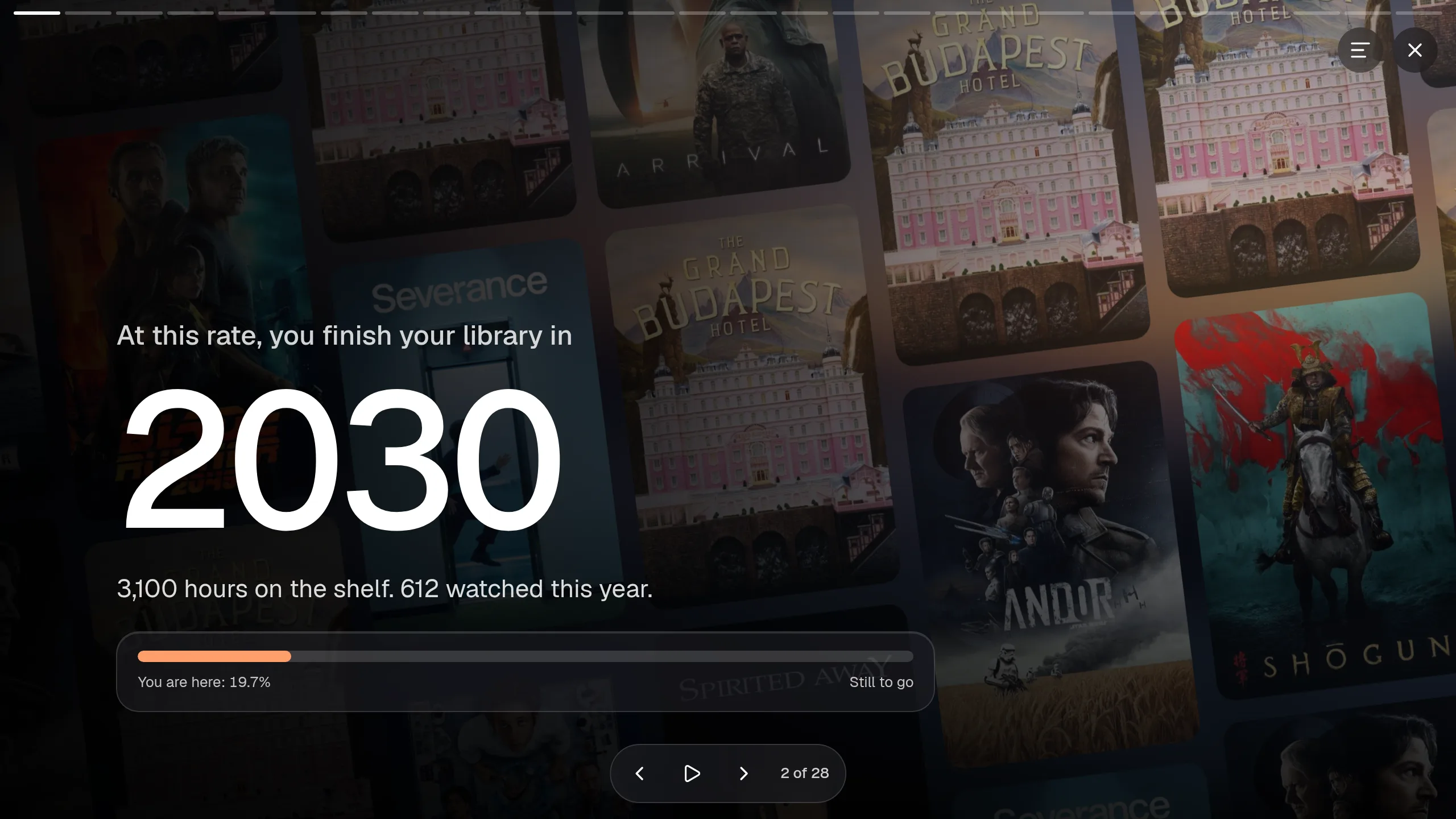
- Some slides need two services. Your Plex watch time against your library, for example, says when you’d finish it.
- It ends with who you were this year, then a card you can save as a picture.
The result is cached for an hour.
The share card
Section titled “The share card”You choose which numbers go on the card. Slides that name people start switched off. Hide posters, names and network takes off anything that reveals your setup.
The picture is made in your browser. Valet sends it nowhere.
Turning it off
Section titled “Turning it off”recap: false # no recap at allhero: { review: false } # keep it at #recap, but drop the linkhero: { review: end } # the link, and a card closing the overviewAdding slides
Section titled “Adding slides”Any integration can offer slides. See recap slides. Each integration’s page shows the ones it has.