
Talk to your homelab.
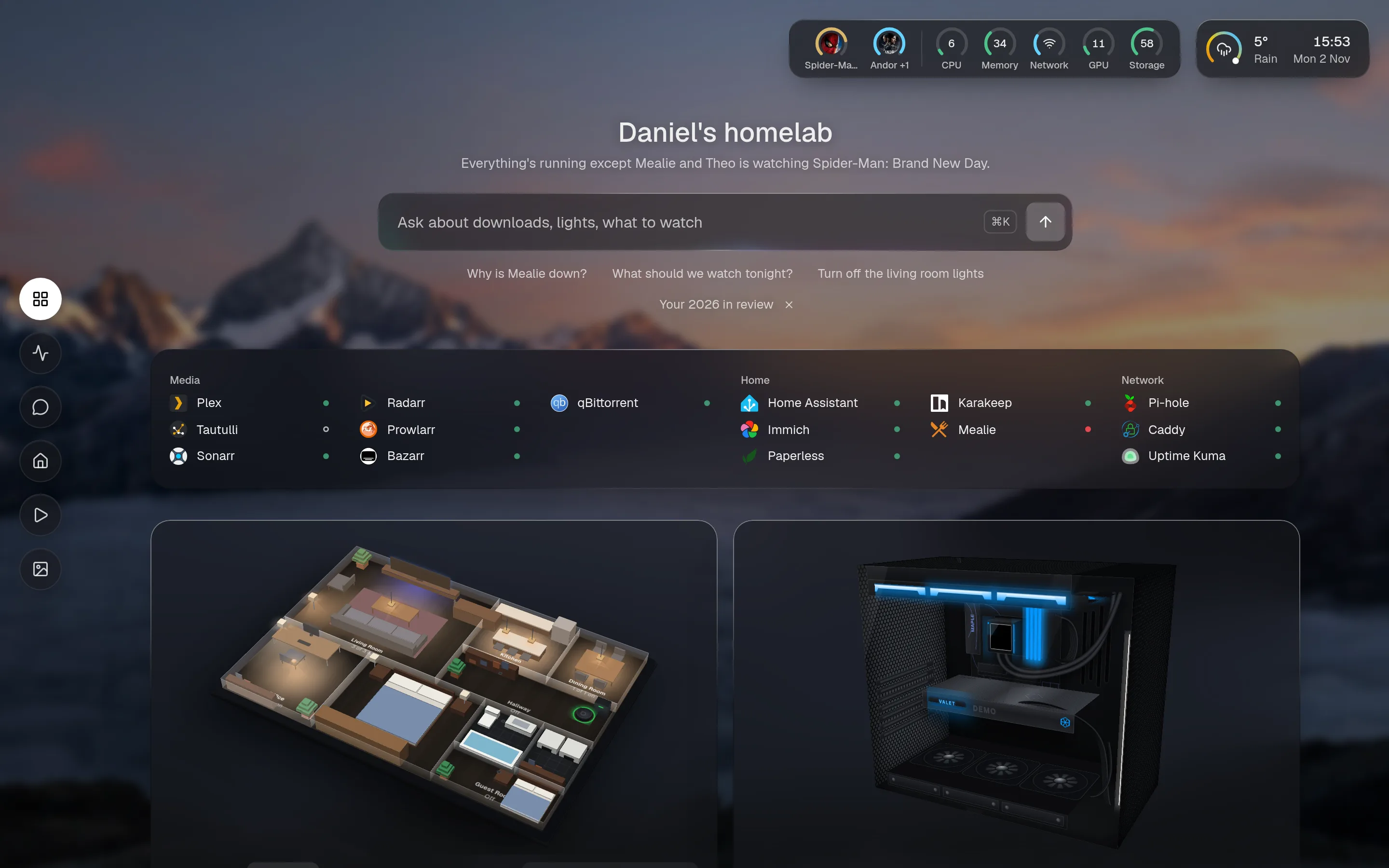
What it is
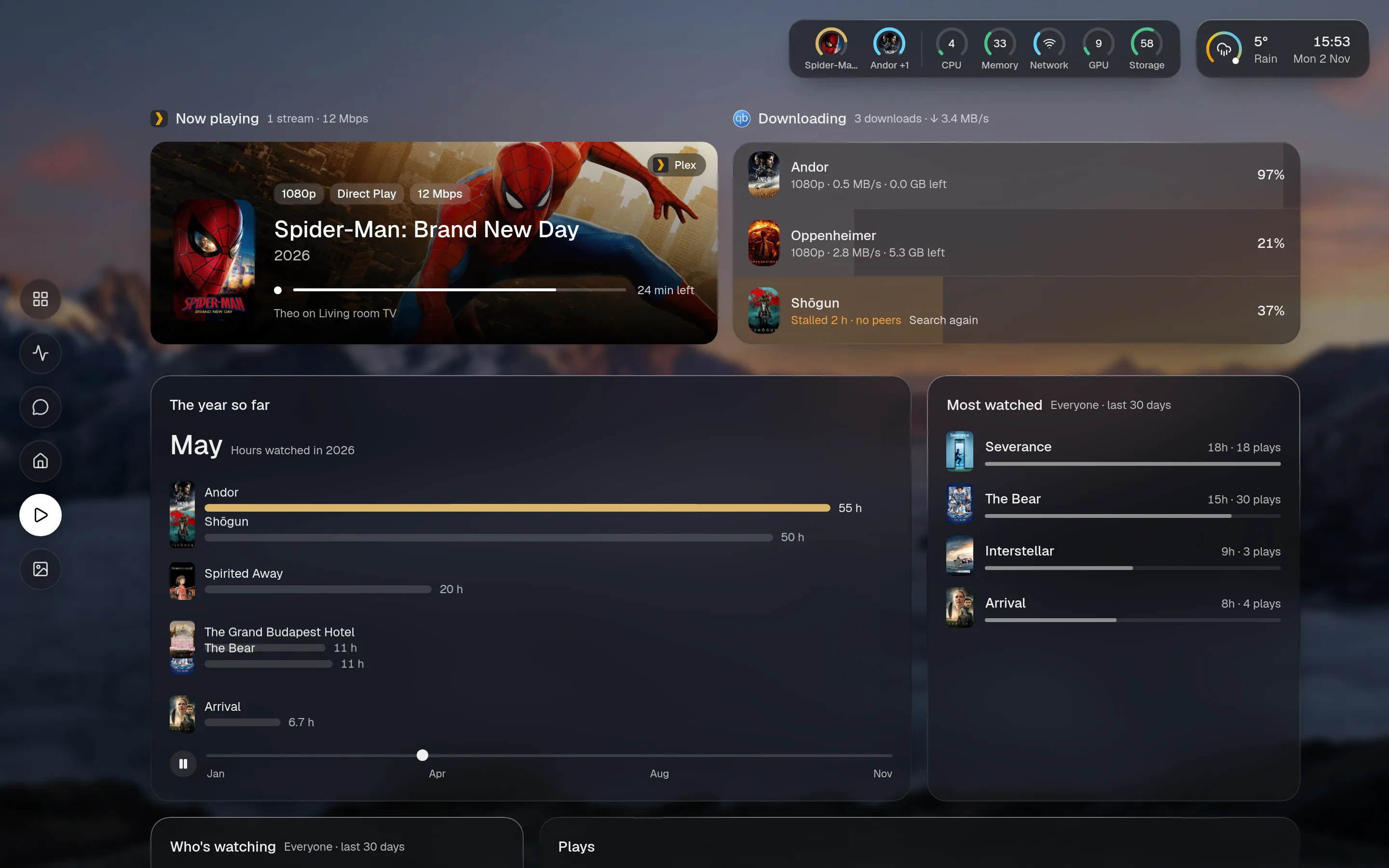
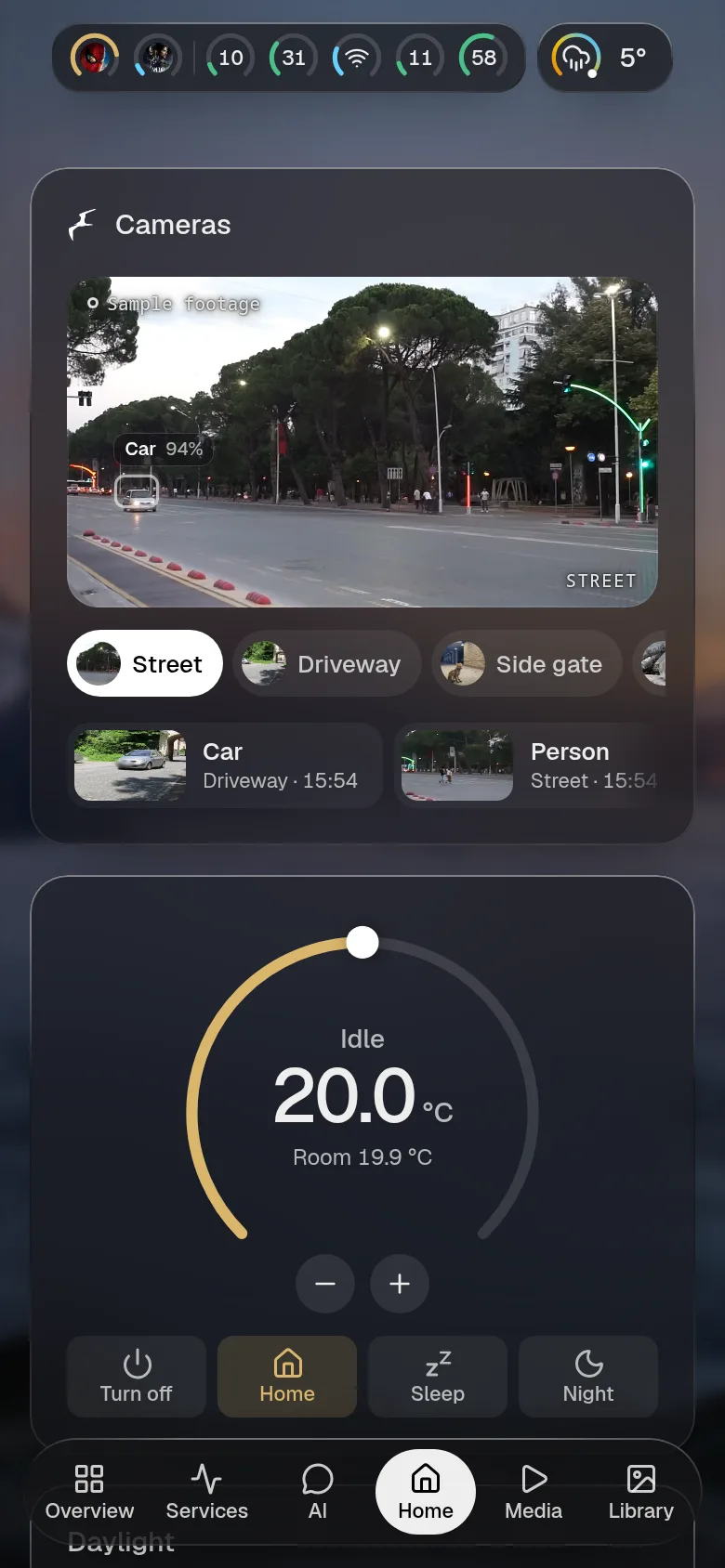
Section titled “What it is”Valet is one Node process that talks to your services and draws them as live cards: what’s playing, what’s downloading, what’s down, which lights are on. You describe the page in config.yaml. Secrets stay in your environment, and the browser never sees them. It uses about 65 MB of RAM and has no database.
It works with 185 integrations. If yours isn’t one of them, api turns any JSON API into a card from YAML, with no code.
The assistant is optional
Section titled “The assistant is optional”Leave out the assistant: block and the page loses nothing. Running with no AI is a supported way to use Valet, not a reduced one.
If you add a model, local or hosted, it answers with the same cards the page uses.
The security story is the valet key: the key that drives the car but can’t open the boot. The assistant reads freely and changes nothing without your approval. Each tool is read, write or control, you set the access level per integration, and every write or control call stops and waits for you.


Cards fit the space they get
Section titled “Cards fit the space they get”Every widget is one card, and every card works at five sizes. Small and wide show its headline. Medium, tall and large show the card. You pick the size in YAML. In chat the same card comes out denser. See sizes and the card gallery.
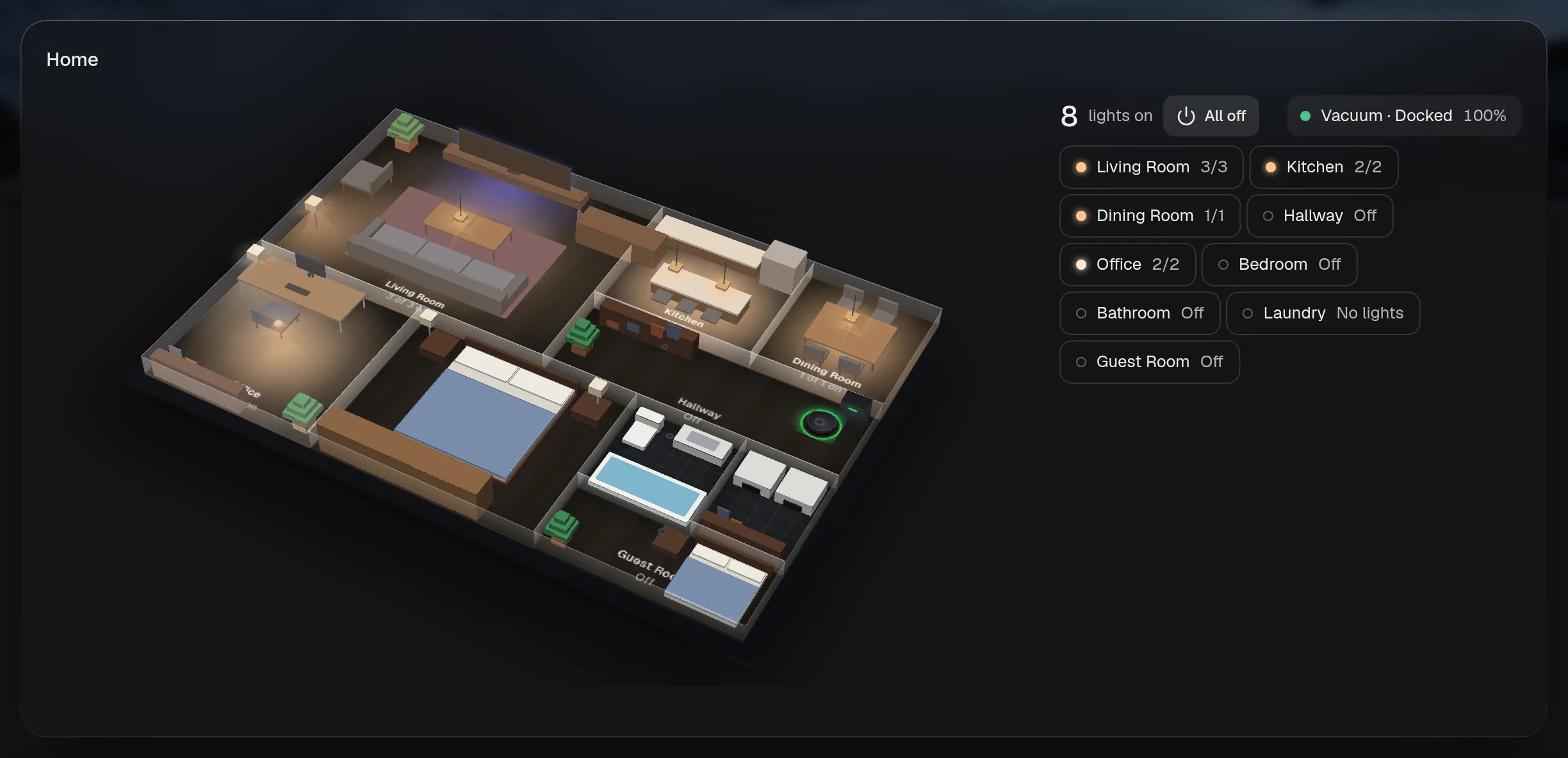
Your house, in three dimensions
Section titled “Your house, in three dimensions”With Home Assistant and a robot vacuum’s map, Valet draws a floor plan with each room’s lights. The same stage draws your PC from rgb-control. These load only on pages that use them.
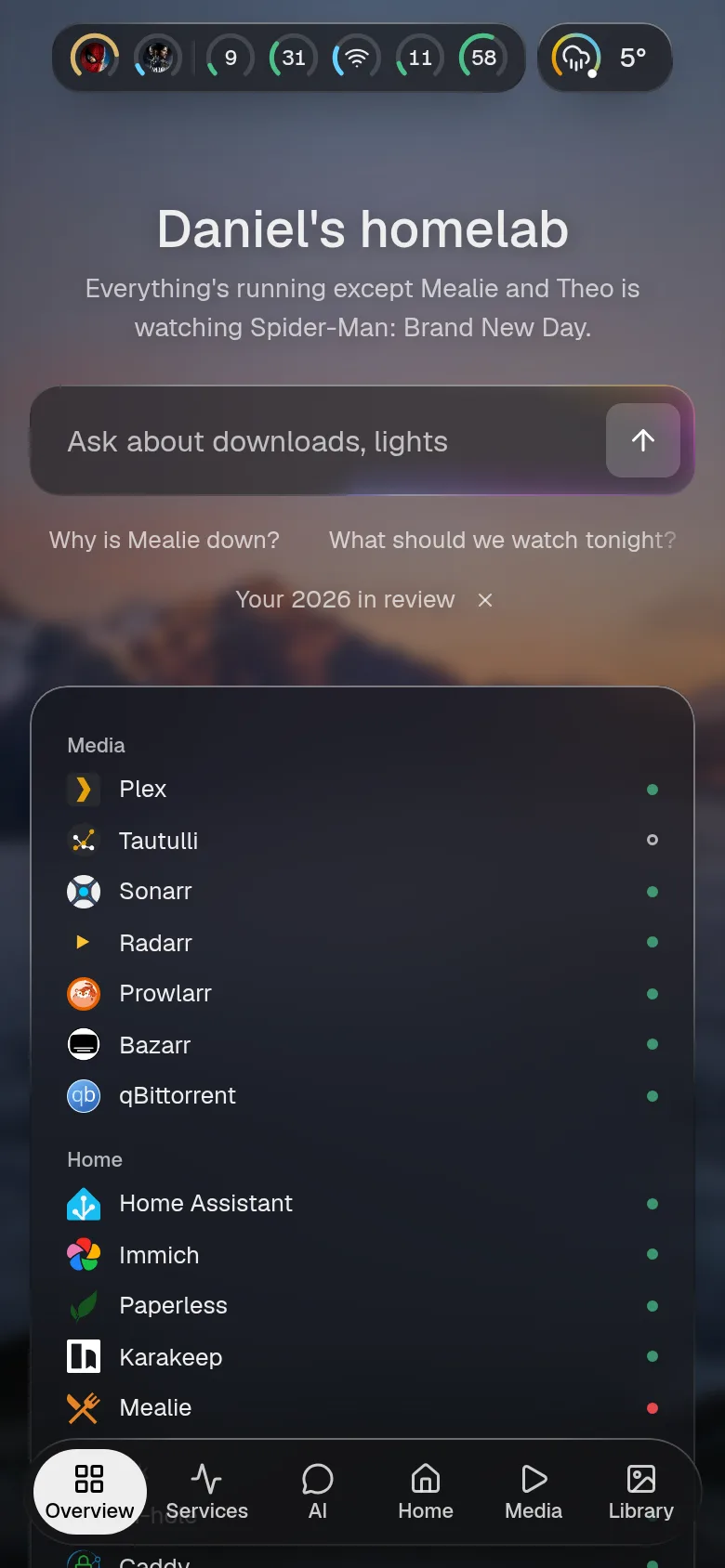
It works on a phone
Section titled “It works on a phone”The tabs move to the bottom and the cards stack.
- Install it with Docker.
- Read the threat model first, if that’s how you start.
- See every integration, each with its options and real screenshots.