
Custom API
Turns any JSON API into a card, from YAML alone, with no code. Name a URL and say where the numbers are. It can draw stats, a list, a table or status rows.
Set it up
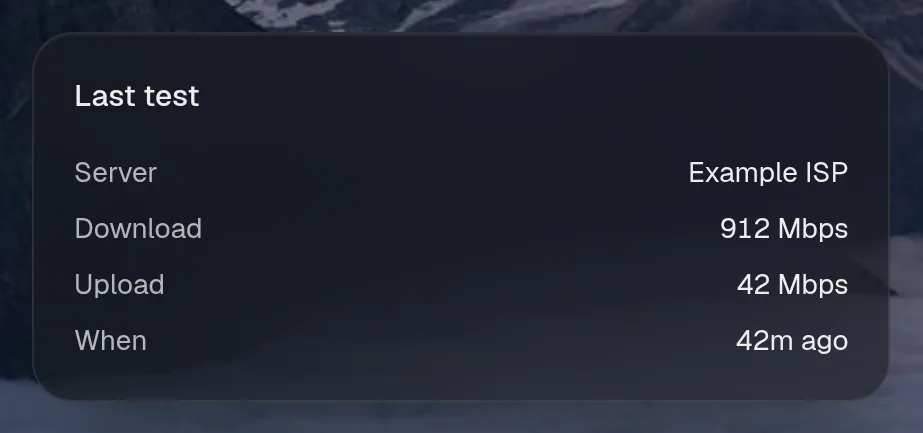
Section titled “Set it up”integrations: api: type: api url: http://speedtest.example.com/api/latest title: Speedtest icon: wifi about: The last internet speed test. headers: Authorization: Bearer ${SPEEDTEST_TOKEN} stats: - label: Down value: download|round:0 unit: Mbps max: 1000 - label: Up value: upload|round:0 unit: Mbps max: 1000 - label: Ping value: ping unit: ms warn: 30 bad: 80 - label: Last run value: at|ago
layout: - title: Build widgets: - api.data| Option | Type | Default | What it does |
|---|---|---|---|
url | URL | required | Where the service answers, from Valet’s side. |
method | GET, POST | GET | How to ask. |
headers | map of string | {} | ${SECRETS} go here (or in the url), never in the card |
body | any | optional | for POST: text, or anything else is sent as JSON |
every | number or string | optional | How often to refresh while someone is looking: seconds, or 30s, 5m, 1h. |
title | string | API | The card’s title. |
icon | string | optional | The card’s icon, by name. |
href | string | optional | where the card links to |
about | string | optional | tells the assistant what this is and when to use it |
stats | list of object | optional | numbers: [{ label, value, unit, sub, max, warn, bad }] |
stats[].label | string | required | The number’s name. |
stats[].value | string | required | A path into the response, such as data.speed, with optional formats: size|bytes. A string with braces is a template: {used|bytes} of {total|bytes}. |
stats[].unit | string | optional | Written after the value. |
stats[].sub | string | optional | A second line under it. Same form as value. |
stats[].max | number | optional | The full scale, which draws a meter. |
stats[].warn | number | optional | Past this value, it turns to warning. Above is worse, or below when warn is higher than bad, as with free space. |
stats[].bad | number | optional | Past this value, it turns to trouble. Same direction as warn. |
list | object | optional | Show rows. Each field below is a path into a row. |
list.items | string | $ | Where the rows are. $ is the whole response. |
list.limit | whole number | 10 | How many rows. Range 1 to 100. |
list.title | string | required | Each row’s title. |
list.subtitle | string | optional | Each row’s second line. |
list.meta | string | optional | What sits on the right of each row. |
list.image | string | optional | Each row’s picture. |
list.href | string | optional | where the card links to |
list.pct | string | optional | Each row’s progress, 0 to 1. |
rows | map of string | optional | label → value, as a table |
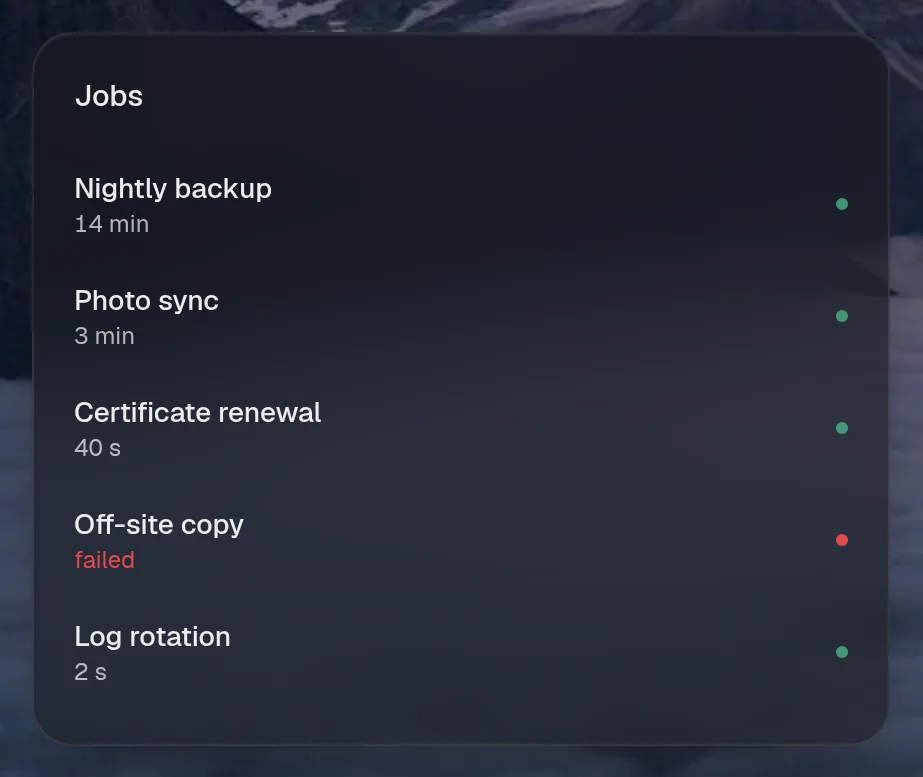
status | object | optional | Show up-or-down rows. Each field below is a path into a row. |
status.items | string | $ | Where the rows are. $ is the whole response. |
status.limit | whole number | 10 | How many rows. Range 1 to 100. |
status.name | string | required | Each row’s name. |
status.ok | string | required | What says it’s up. |
status.detail | string | optional | A line under the name. |
status.href | string | optional | where the card links to |
status.group | string | optional | The heading it sits under. |
Widgets
Section titled “Widgets”One widget. Its key is api.data, using the instance name from your config.
Speedtest
Section titled “Speedtest”api.data · stats card · refreshes every minute while the page is open.
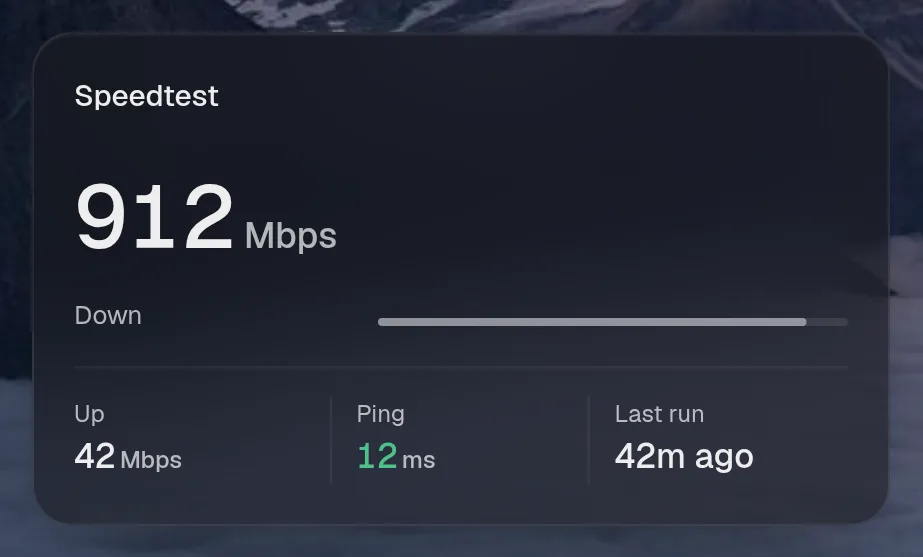
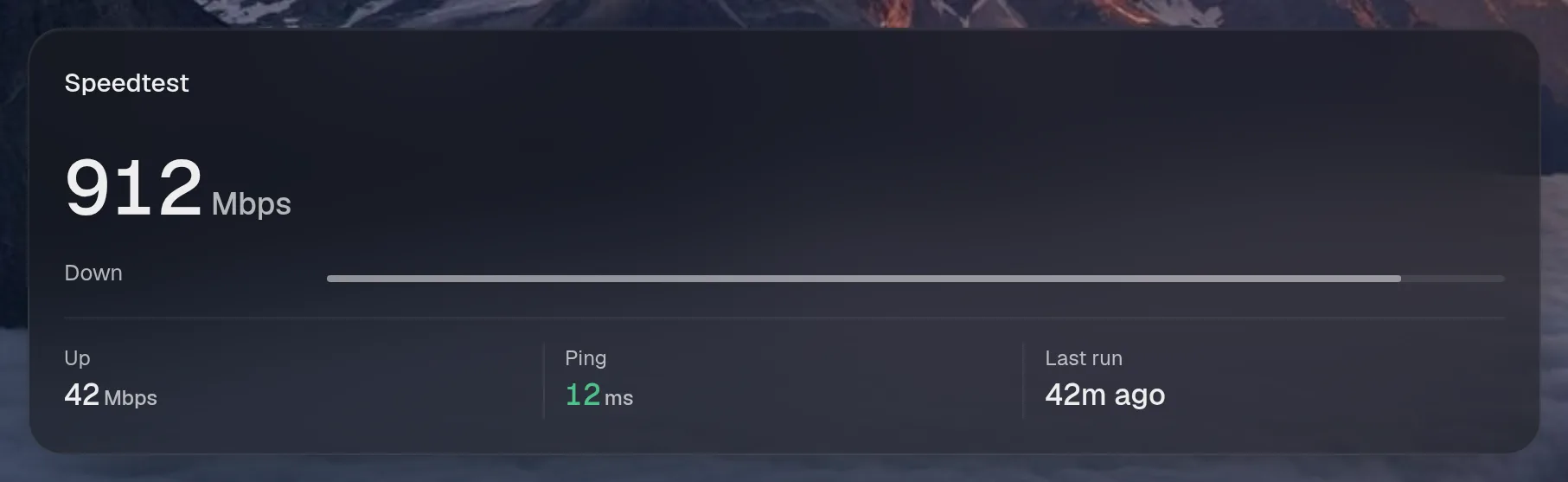
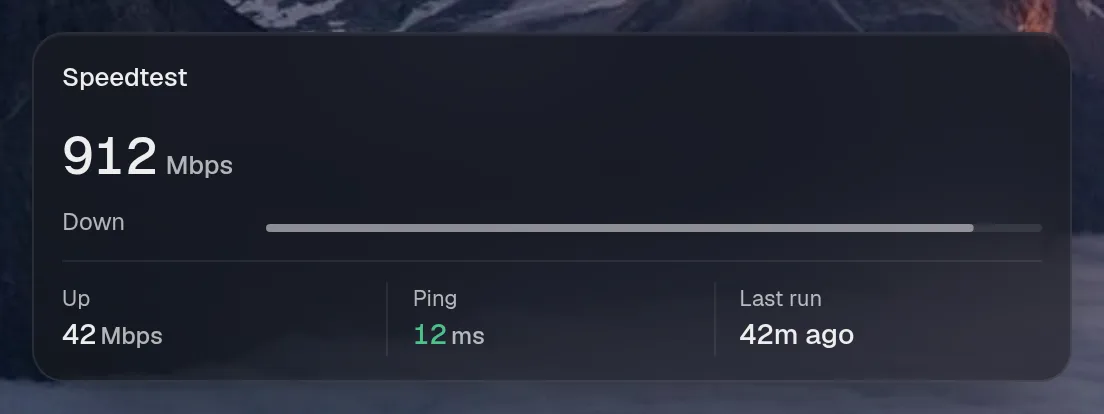
Small draws the same as medium. Wide draws the same as medium. Tall draws the same as medium, so they aren't shown. Only the empty space changes.
States
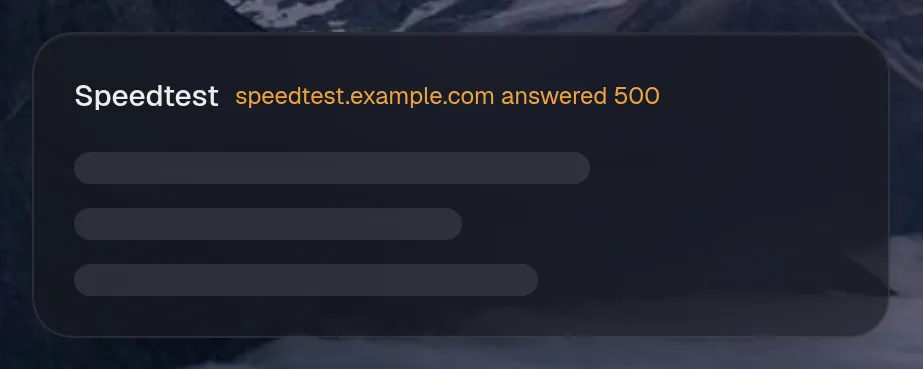
Section titled “States”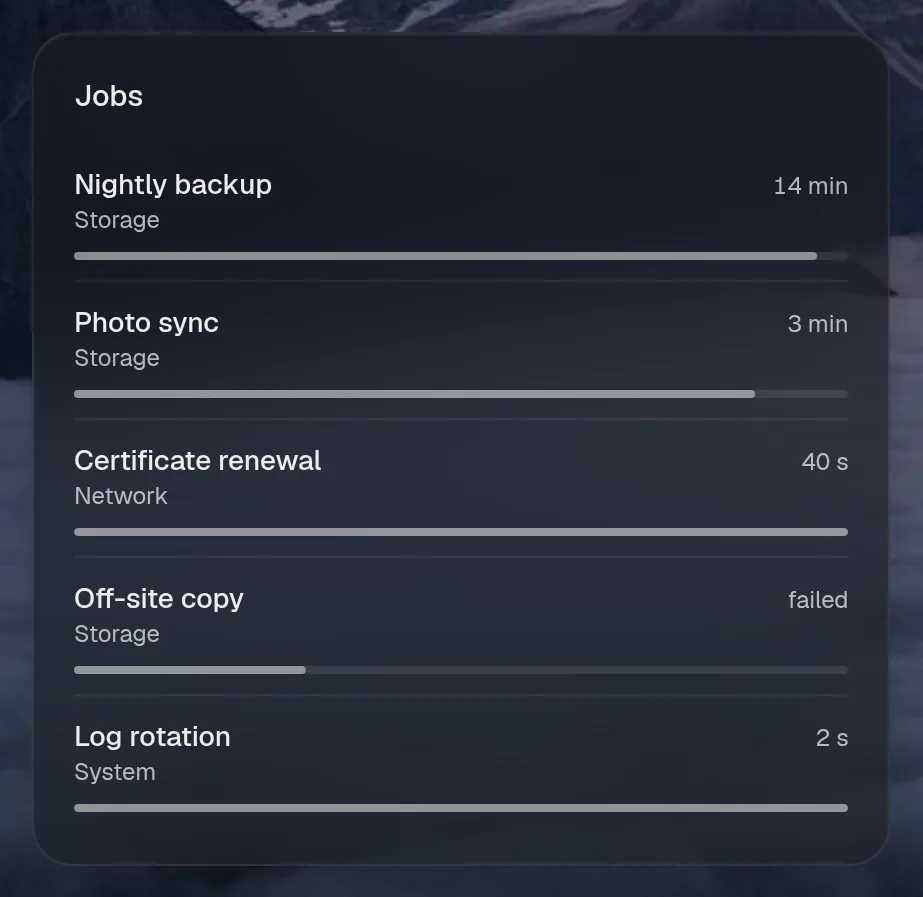
Assistant tools
Section titled “Assistant tools”What the assistant can use, once its access level allows it. Read tools run freely. Everything else asks first.
| Tool | Access | What it does |
|---|---|---|
read | read | The last internet speed test. |