Pi-hole
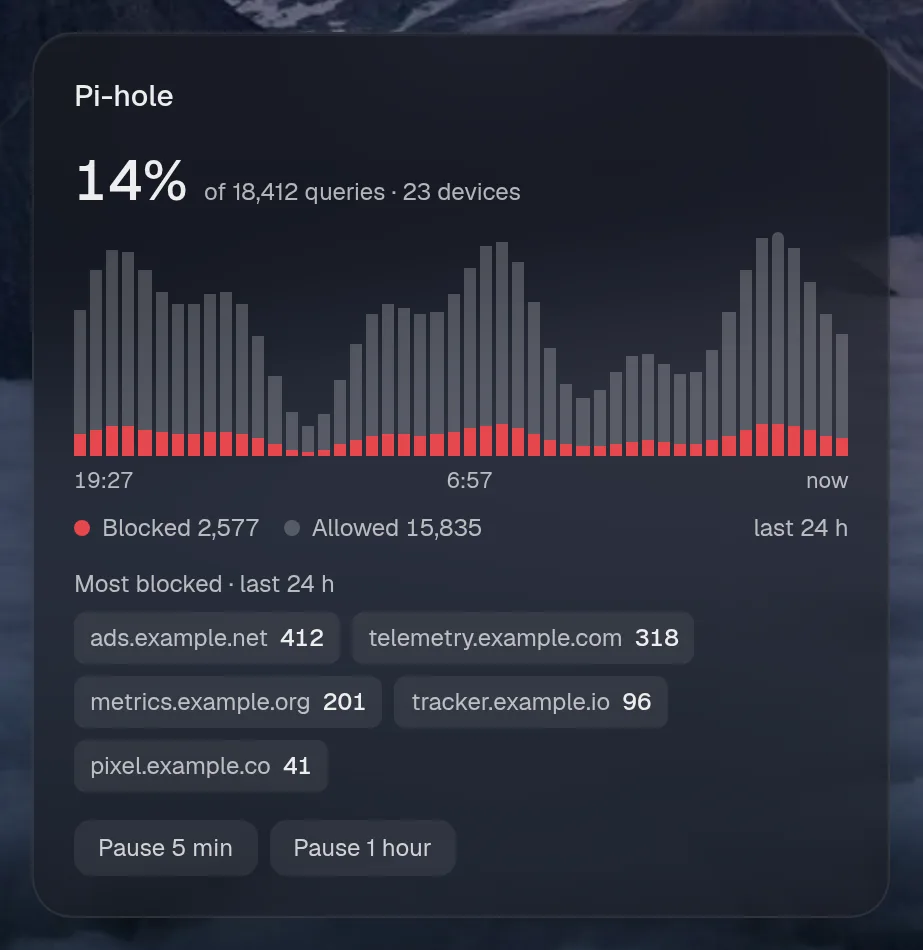
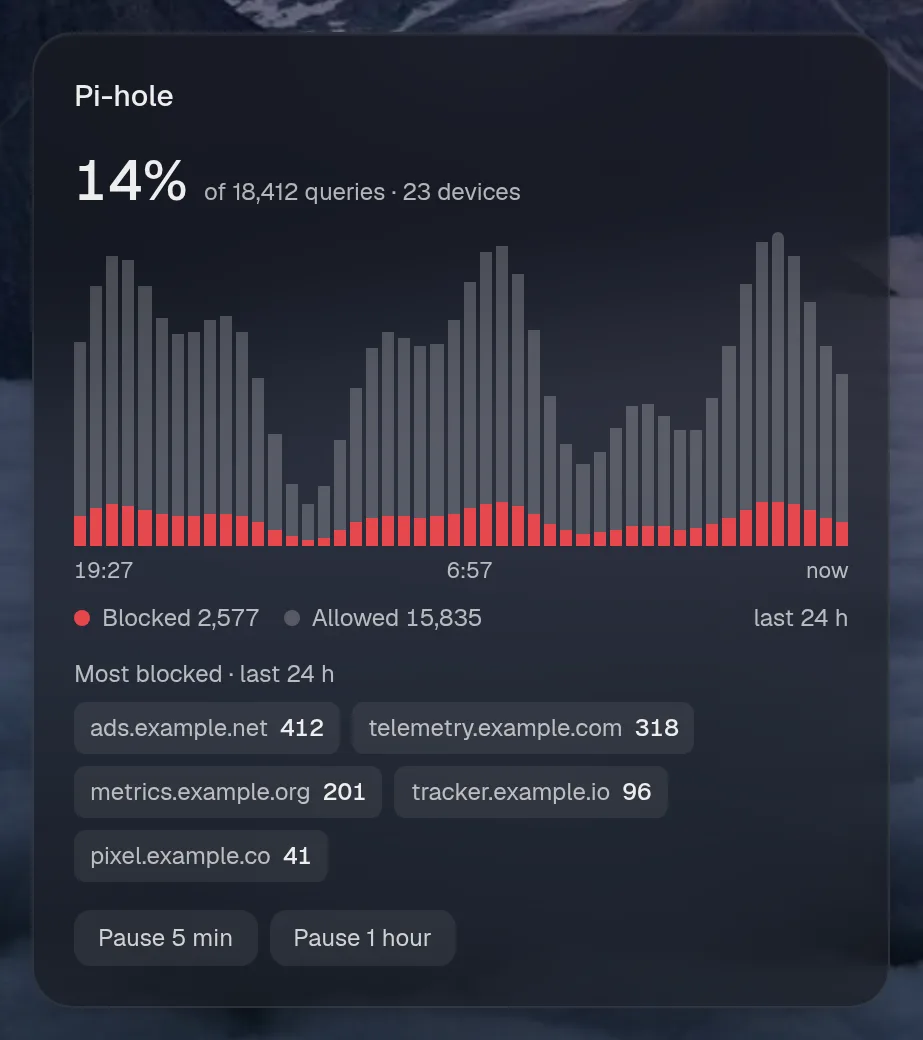
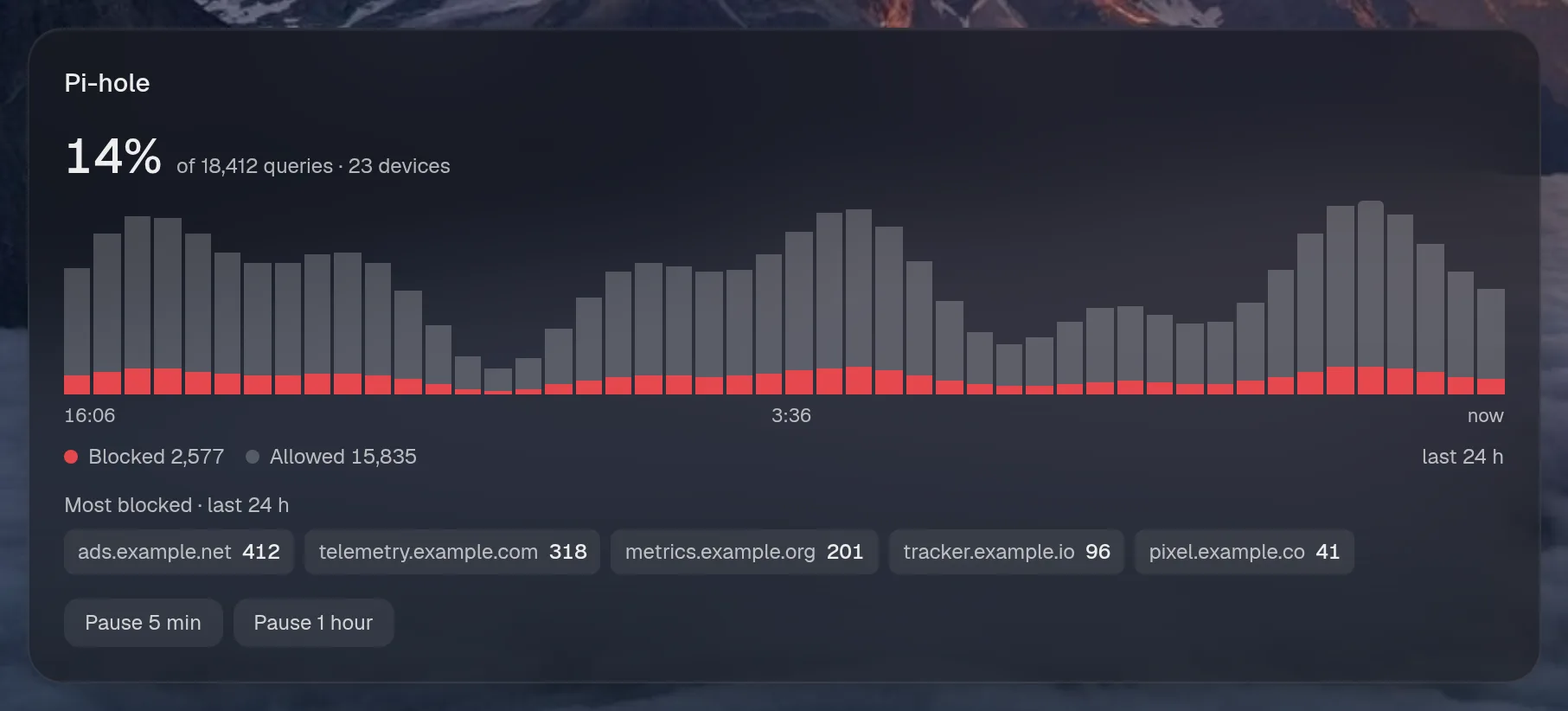
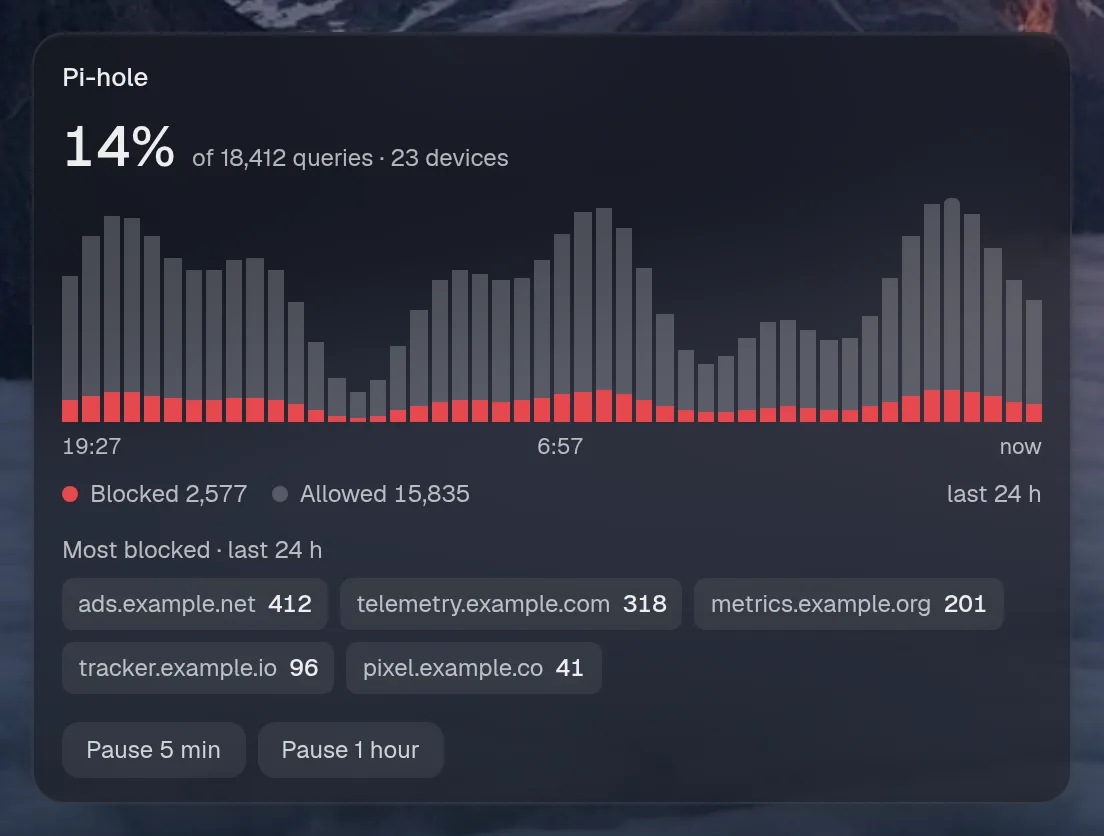
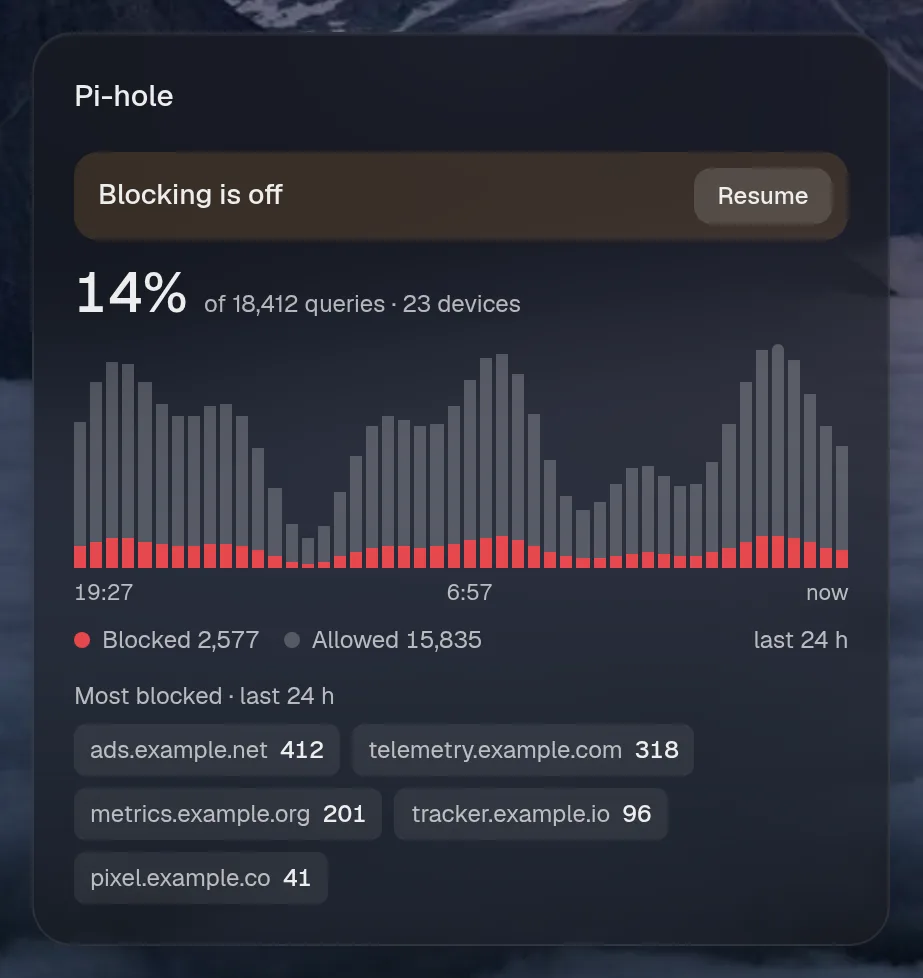
Pi-hole blocks ads at the DNS level. This shows blocking over the last 24 hours, with buttons to pause it, and the assistant can pause it too, after asking.
Set it up
Section titled “Set it up”integrations: pihole: type: pihole url: http://pihole password: ${PIHOLE_PASSWORD} href: https://dns.example.com/admin
layout: - title: Network widgets: - pihole.stats| Option | Type | Default | What it does |
|---|---|---|---|
url | URL | required | Where the service answers, from Valet’s side. |
password | string | required | That account’s password. Use ${VAR}. |
href | string | optional | Where the card links to, when that differs from url. |
Widgets
Section titled “Widgets”One widget. Its key is pihole.stats, using the instance name from your config.
Pi-hole
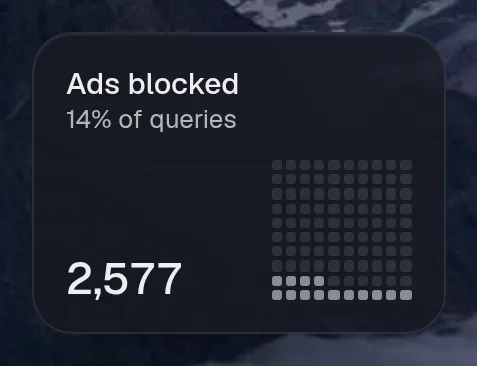
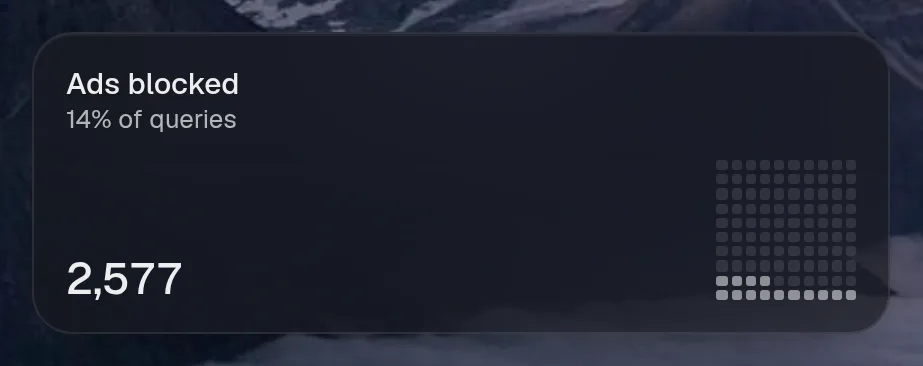
Section titled “Pi-hole”pihole.stats · chart card · refreshes every minute while the page is open.
States
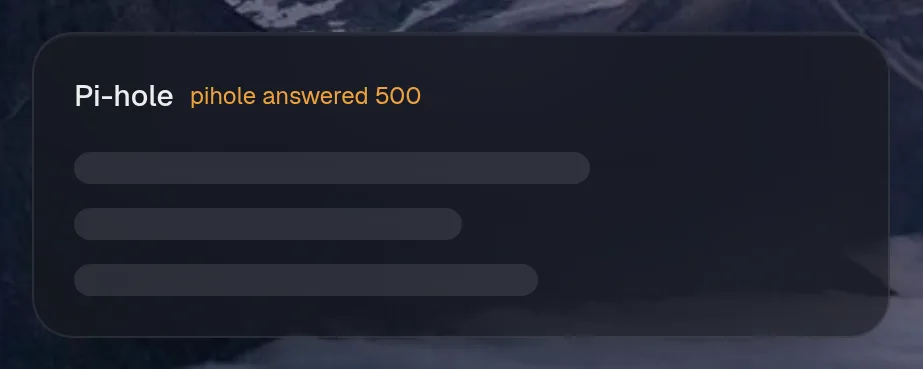
Section titled “States”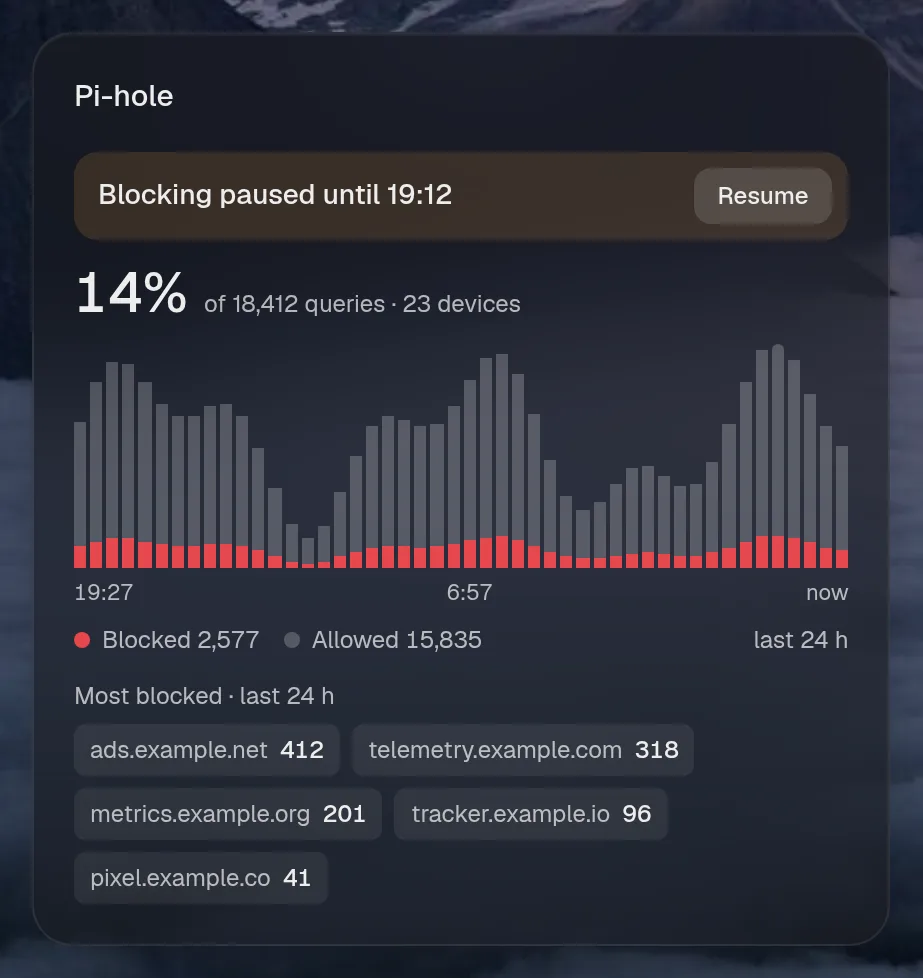
Assistant tools
Section titled “Assistant tools”What the assistant can use, once its access level allows it. Read tools run freely. Everything else asks first.
| Tool | Access | What it does |
|---|---|---|
adblock_status | read | Pi-hole: share of DNS queries blocked today, totals, whether blocking is on, and the most blocked domains. |
adblock_pause | control | Pause Pi-hole ad blocking for some minutes (e.g. a site breaks), or resume it with minutes: 0. |
Actions
Section titled “Actions”What the page’s own buttons and controls can do. They need a signed-in person or a trusted network.
| Action | What it does |
|---|---|
pause | Pause or resume ad blocking |
Year in review
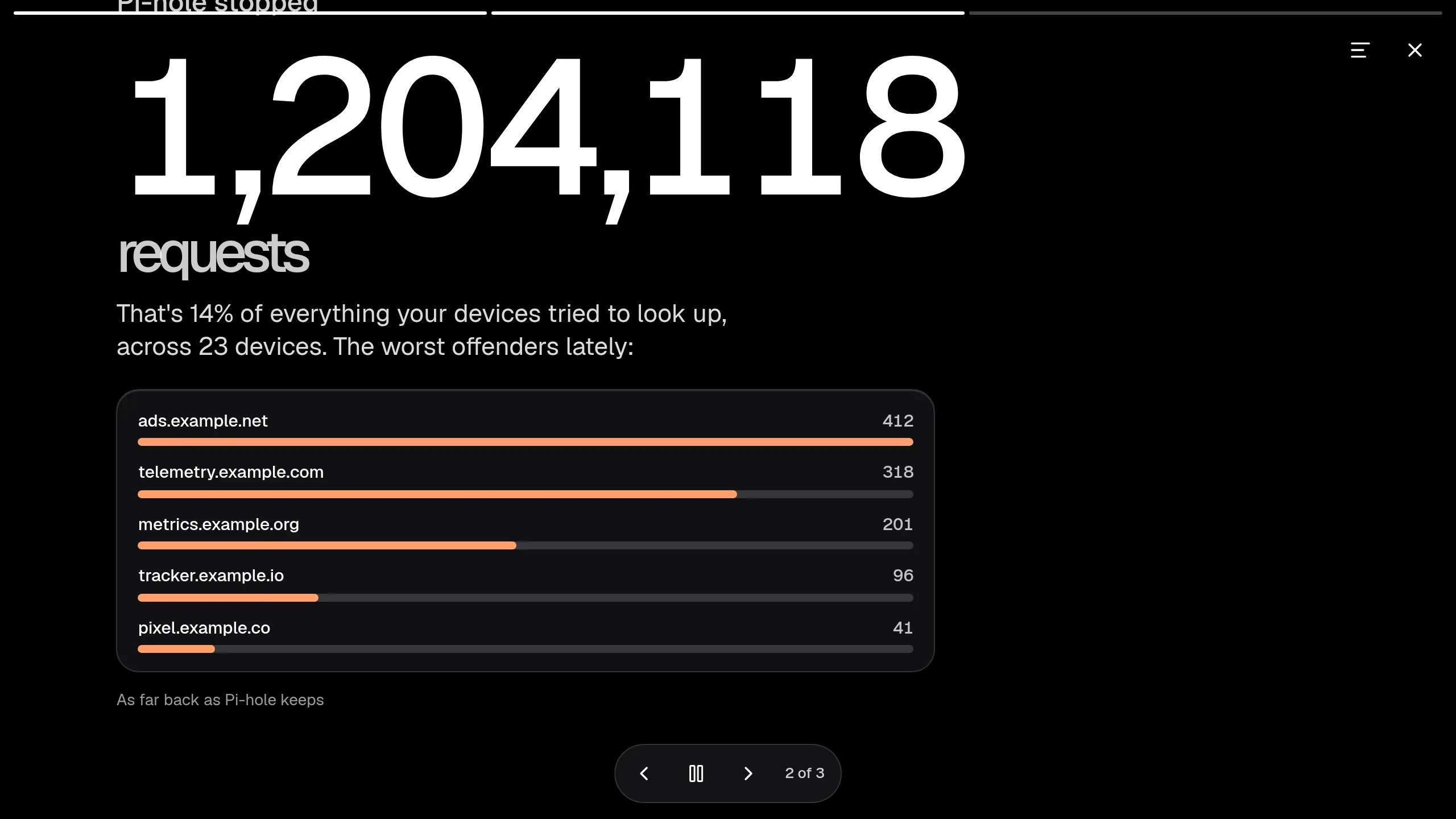
Section titled “Year in review”Slides this integration adds to the recap.