changedetection.io
changedetection.io watches web pages for changes. This shows each watch with what it last saw and when it changed, puts failures first, and lets the assistant read, add, check and remove watches.
Set it up
Section titled “Set it up”integrations: changedetection: type: changedetection url: http://changedetection:5000 key: ${CHANGEDETECTION_KEY} href: https://watch.example.com
layout: - title: Apps widgets: - changedetection.status| Option | Type | Default | What it does |
|---|---|---|---|
url | URL | required | Where the service answers, from Valet’s side. |
href | string | optional | Where the card links to, when that differs from url. |
key | string | required | Its API key. Use ${VAR}. |
limit | whole number | 8 | Rows on the card. Each reads its latest snapshot once. Range 1 to 50. |
Widgets
Section titled “Widgets”2 widgets. Each key starts with your instance name, here changedetection.
changedetection.io
Section titled “changedetection.io”changedetection.status · stats card · refreshes every 5 minutes while the page is open.
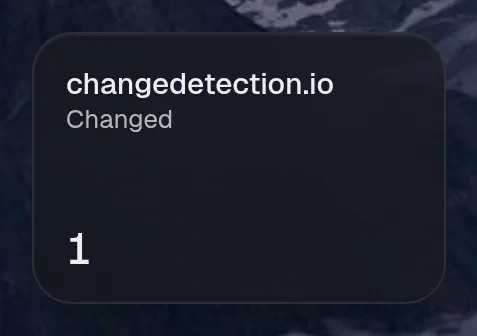
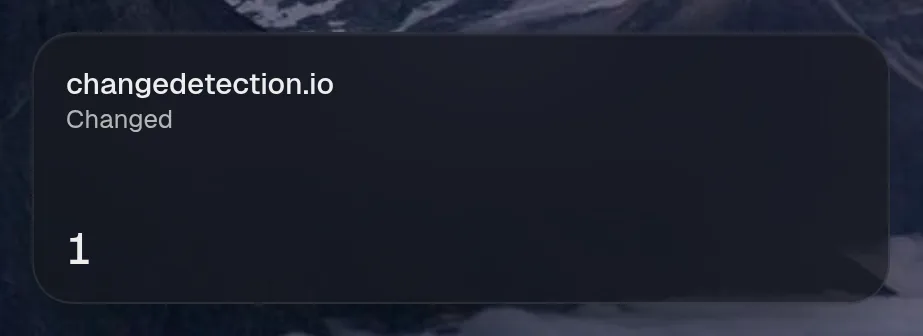
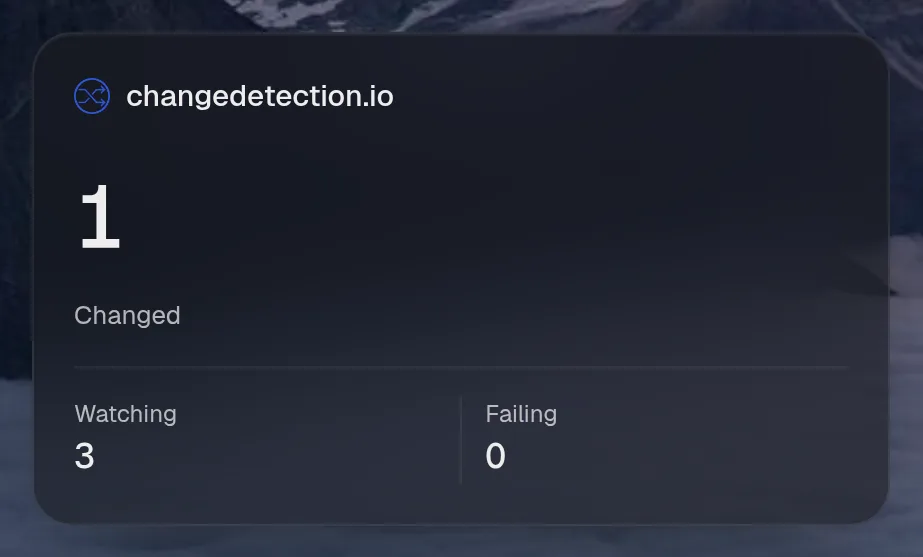
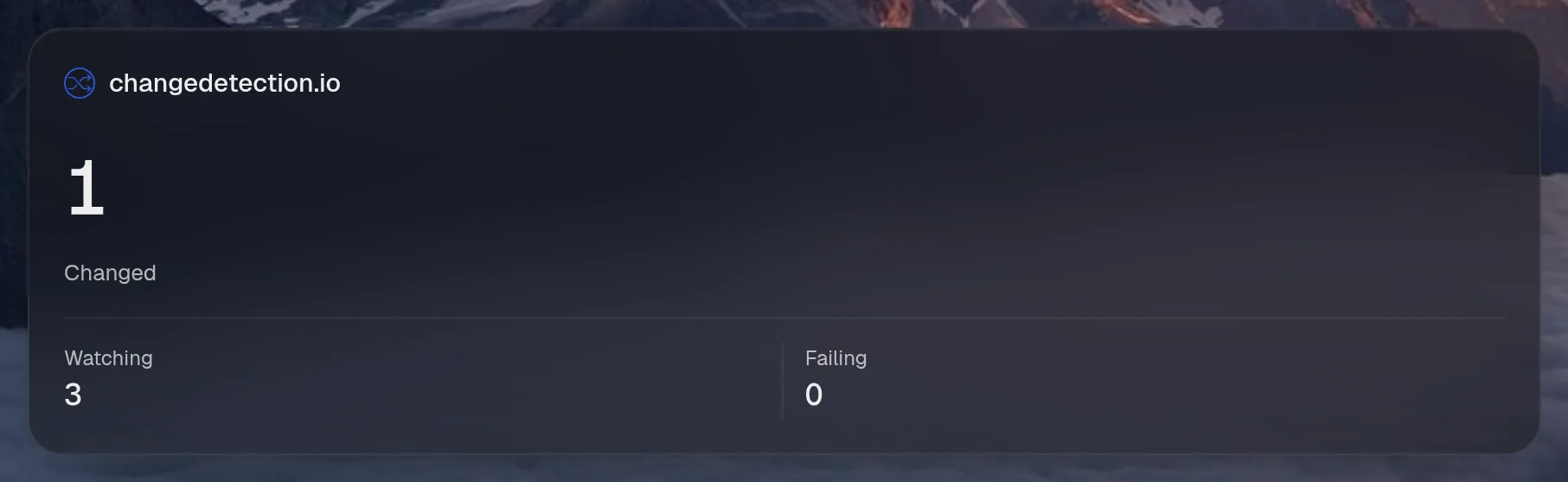
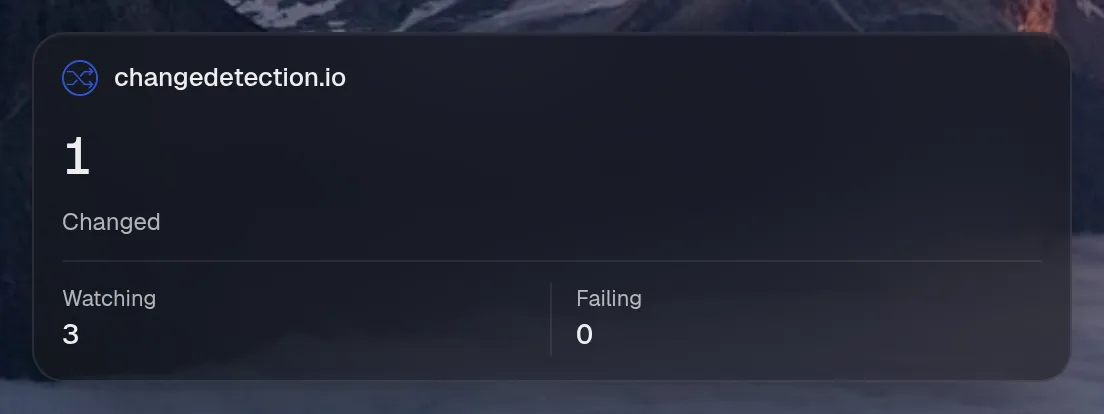
Tall draws the same as medium, so it isn't shown. Only the empty space changes.
States
Section titled “States”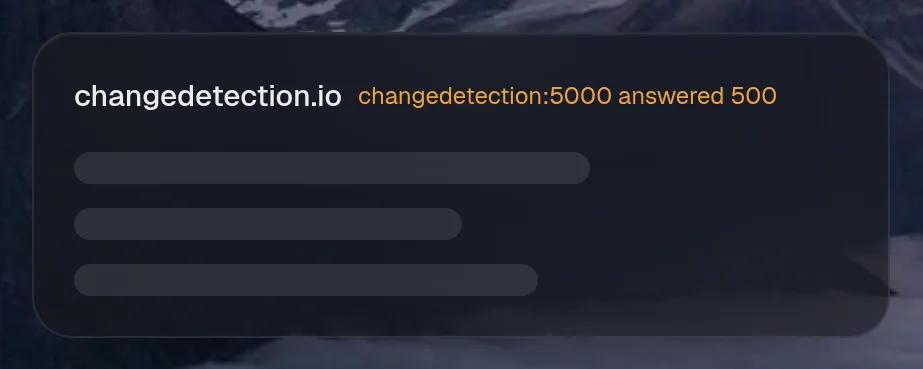
Watching
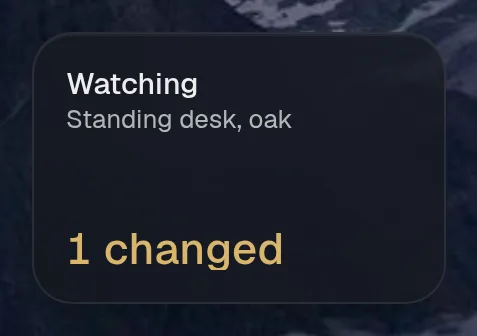
Section titled “Watching”changedetection.watches · list card · refreshes every minute while the page is open.
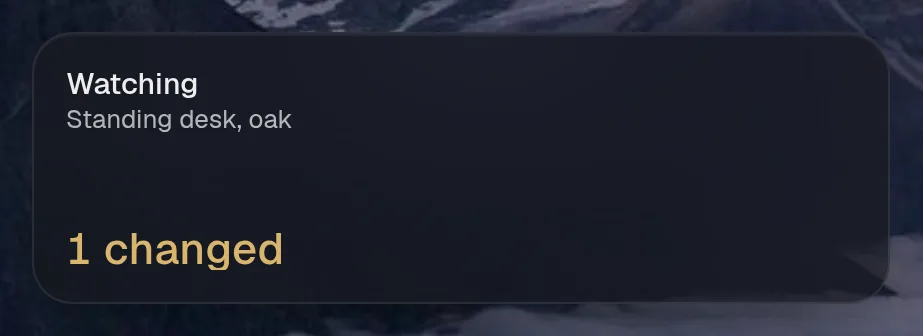
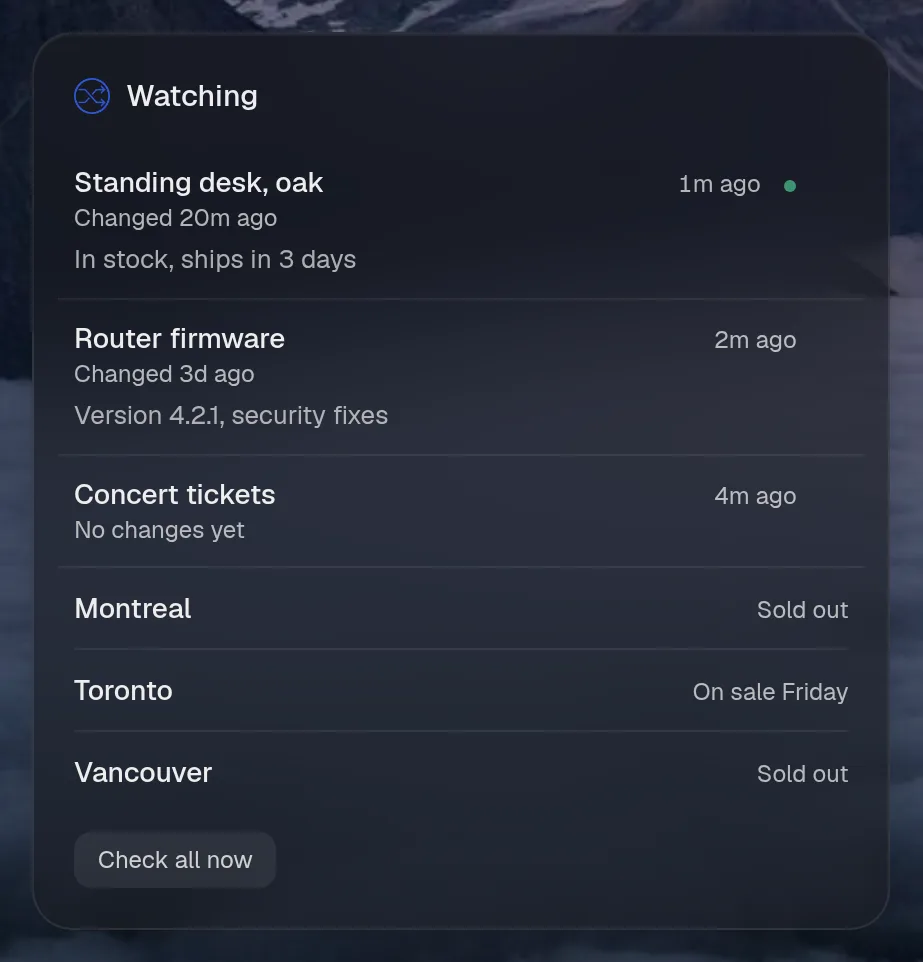
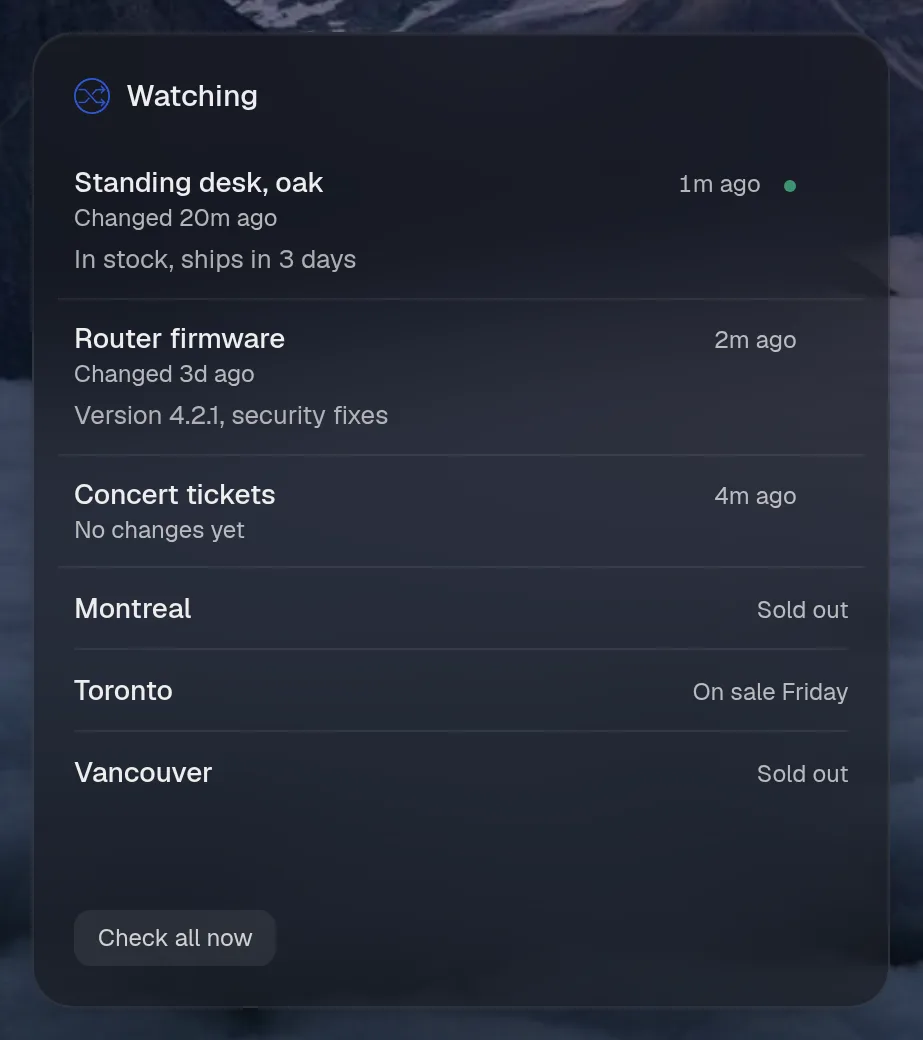
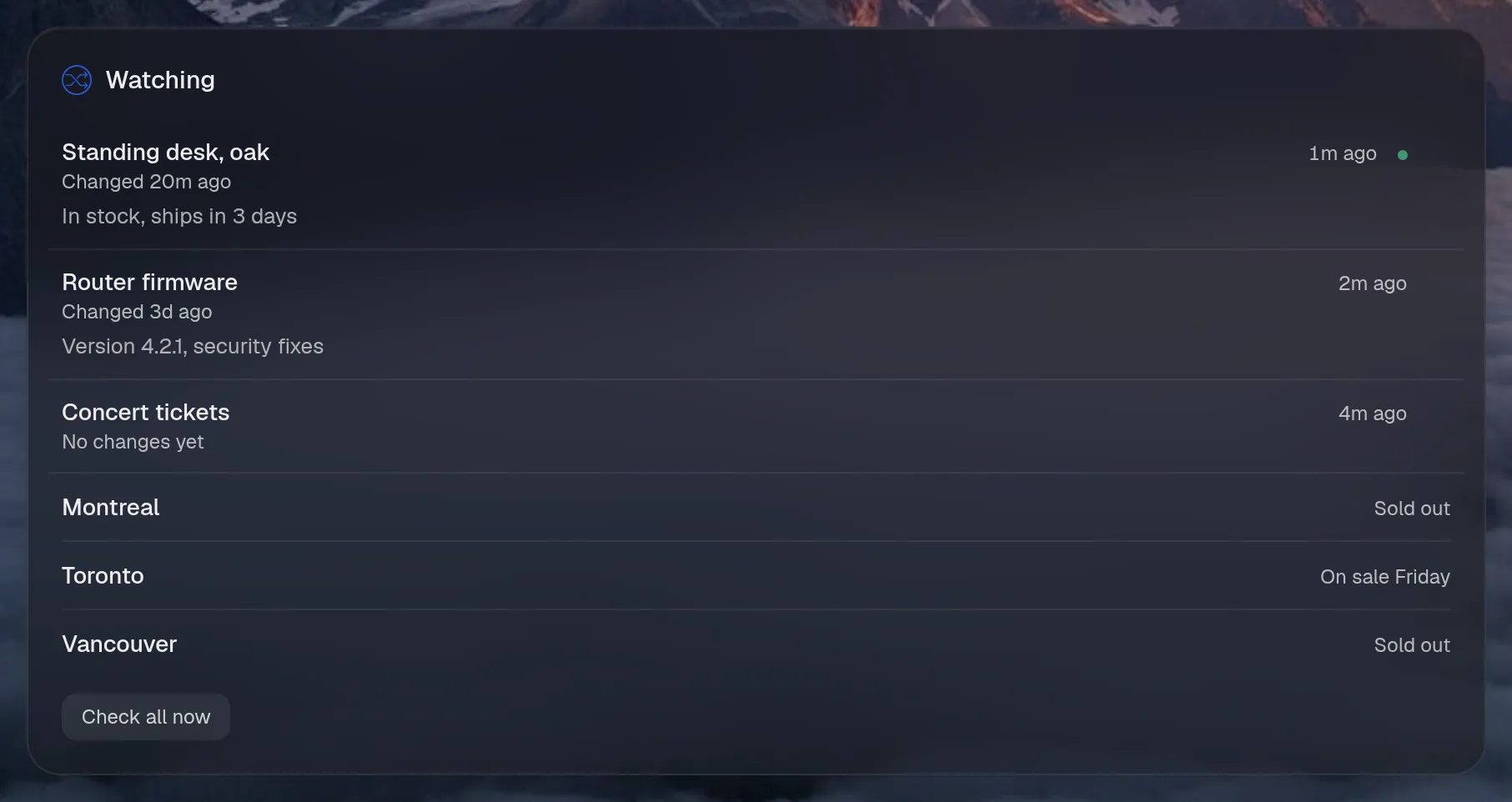
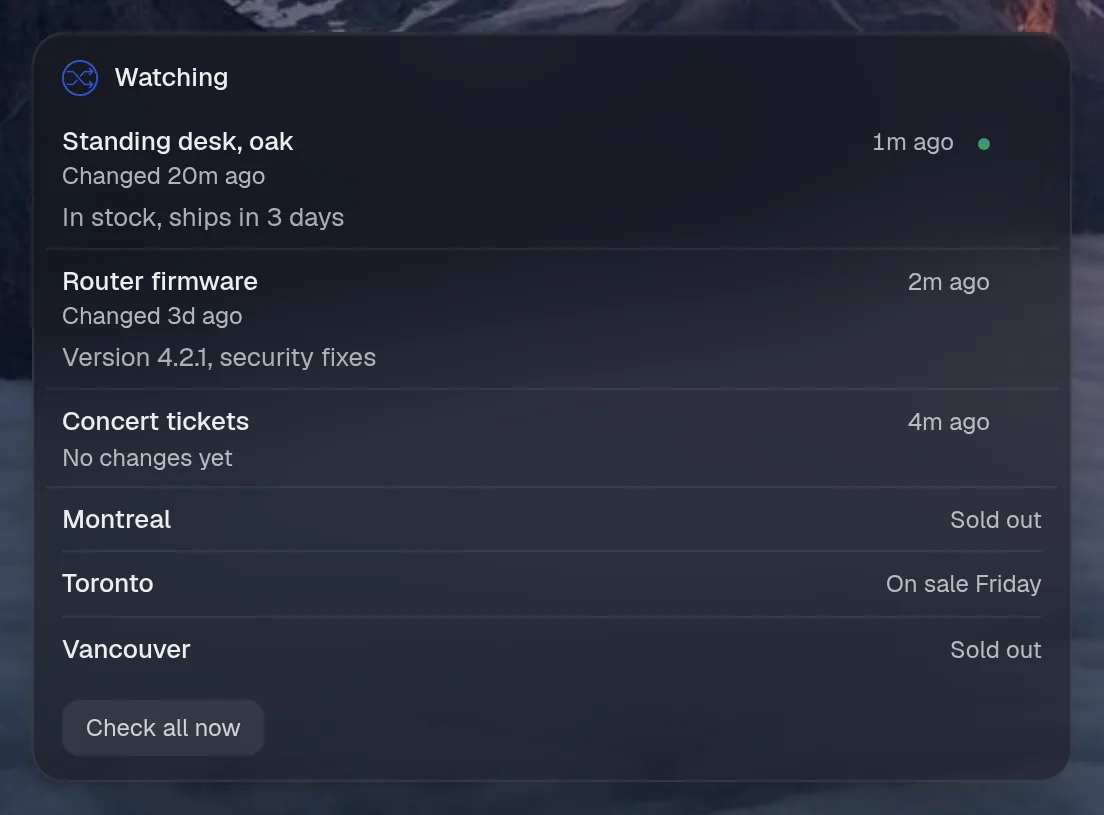
States
Section titled “States”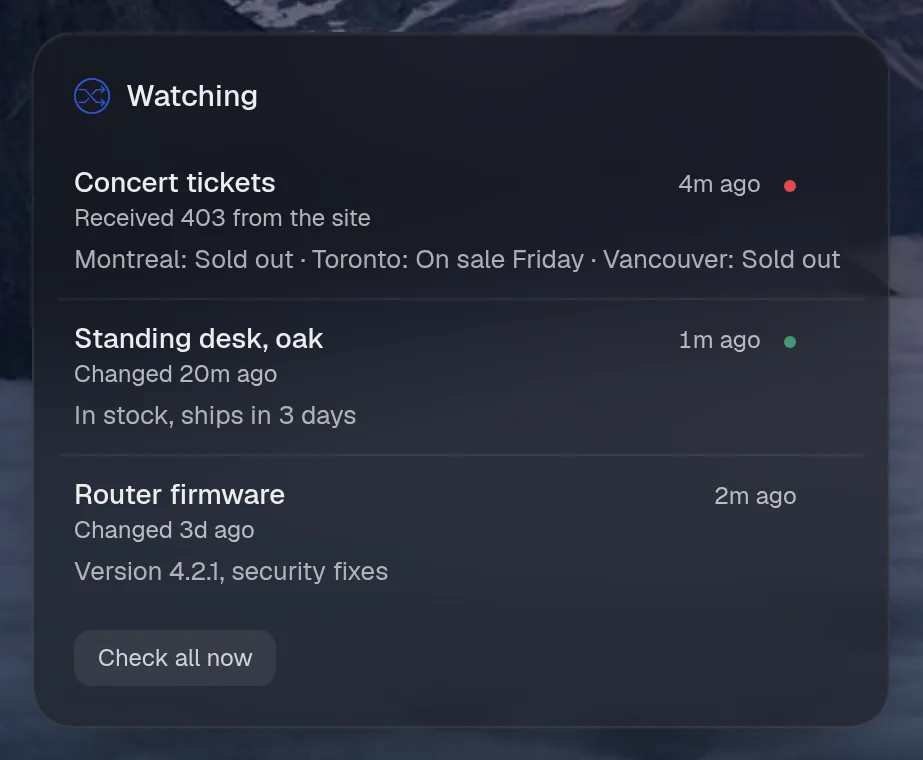
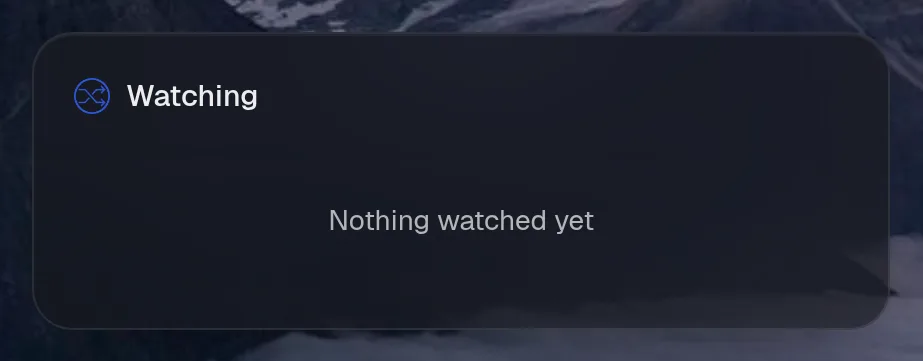
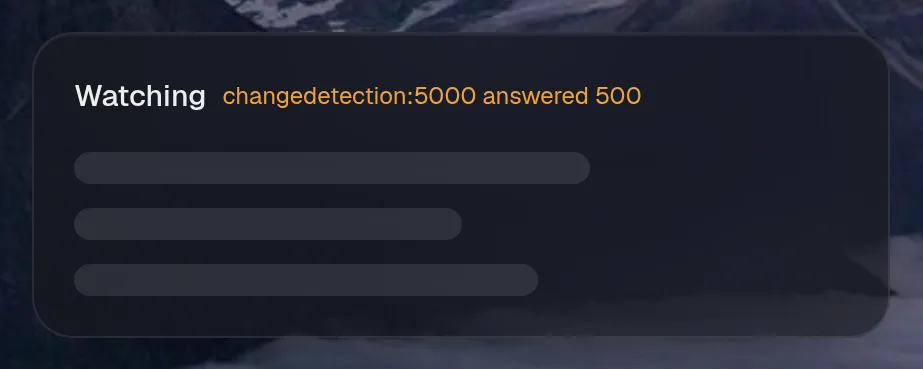
Assistant tools
Section titled “Assistant tools”What the assistant can use, once its access level allows it. Read tools run freely. Everything else asks first.
| Tool | Access | What it does |
|---|---|---|
watches_list | read | Every page changedetection.io watches: title, URL, when it was last checked and last changed, whether the change is unseen, and any error. |
watch_read | read | One watch by id (watches_list finds it): what it last saved and what was added in its latest change. |
watch_add | write | Start watching a web page for changes. |
watch_recheck | control | Check one watch now rather than at its next turn. |
watch_remove | control | Stop watching a page and delete its history. |
Actions
Section titled “Actions”What the page’s own buttons and controls can do. They need a signed-in person or a trusted network.
| Action | What it does |
|---|---|
recheck | Check every watch now |
Year in review
Section titled “Year in review”Slides this integration adds to the recap.